You've got the content planned. The caption's ready. The Reel is scheduled. Then you remember — you still need to add the trending audio. So you head to Instagram, rebuild the post from scratch, and hope the sound you wanted is still there.
It's a small friction point, but it's the kind that quietly eats into your workflow every single week.
That's why we built trending audio support into Sked's notification post feature. You can plan and schedule everything in Sked, and just add the finishing touches in Instagram when it's time to post.
Why you can't auto-publish Reels with trending audio (and what to do instead)
Instagram's API doesn't allow third-party tools to add audio to Reels. That's not a Sked limitation, it's a platform-wide restriction that applies to every third party scheduling tool.
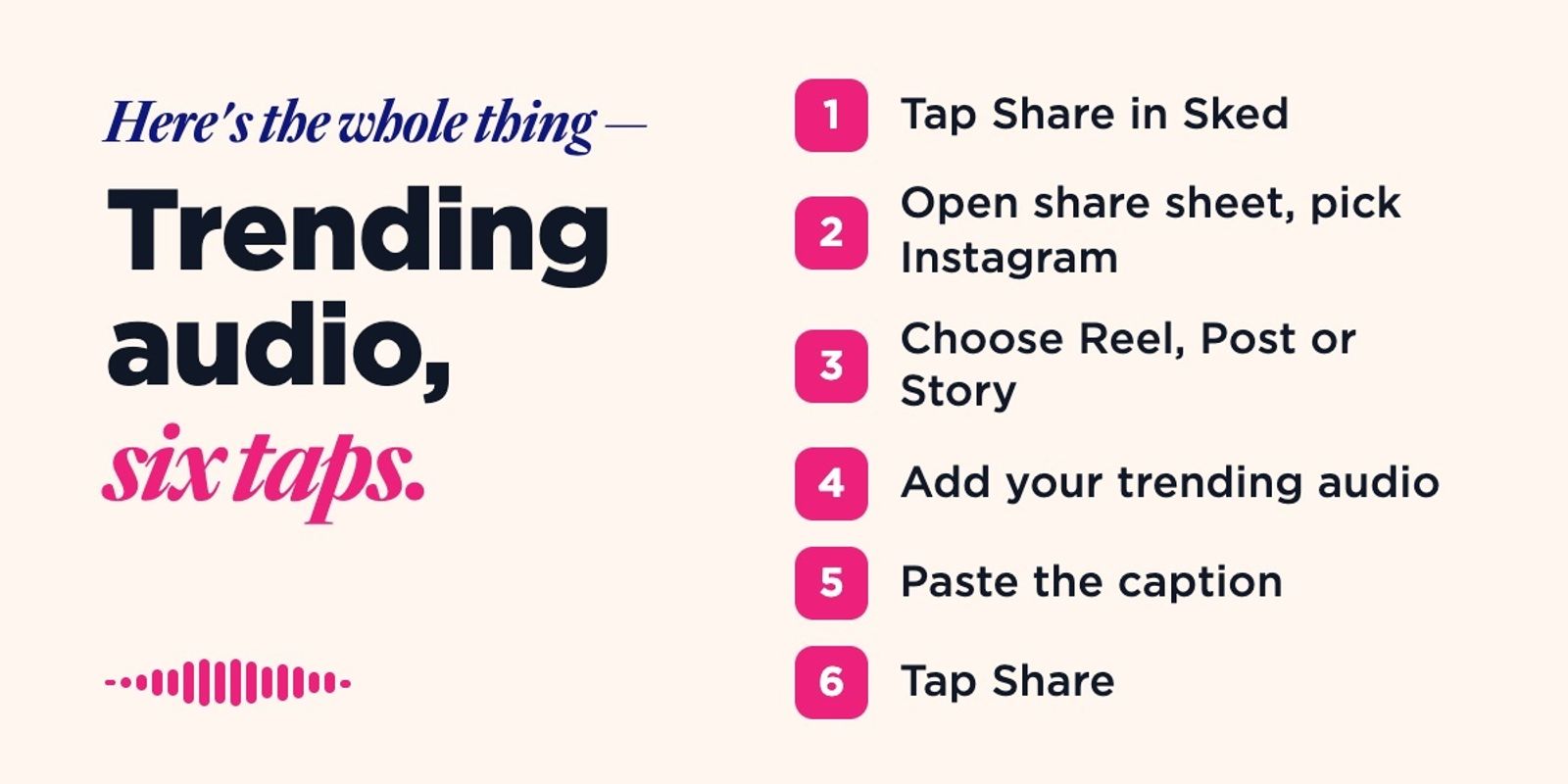
Sked’s notification posts are the workaround. Instead of auto-publishing, you can schedule posts so that Sked sends a push notification to your phone at their scheduled time. You open it, Sked downloads your assets, copies your caption, and opens it all into a pre-filled Instagram drafted post.You add the audio, tap share, and your post is live with trending audio.
What’s new: Trending audio, the Sked way
1) Your post pre-fills automatically
When you open the notification, Sked handles the heavy lifting. Your media downloads to your device, your caption copies to your clipboard, and Instagram opens directly to the right post type — Reel, Post, or Story. Everything is lined up the way you scheduled it so you just have to worry about which audio to use.
2) Add a note to yourself at scheduling time
When setting up your notification post, there's an optional Notes field built for exactly this. Use it to remind yourself which trending sound you wanted, any last-minute caption tweaks, or anything else you'd otherwise have to remember (or forget) when the notification arrives.
3) Assign notifications to the right person
If you're managing multiple accounts or working across a team, you can set exactly who receives the push notification for each Instagram account. No crossed wires, no missed posts.
Built for teams that actually plan ahead
Whether you're keeping your content calendar tight, or scheduling across multiple accounts, notification posts mean you never have to choose between staying organised in Sked and keeping up with trending audio on Instagram.