A customer leaves a comment on Tuesday’s post from your Northside location saying her order was wrong for the second week running. It sits there for three days among 400 other comments across 60 profiles, most of them some version of “love this.” Nobody at the store thought it was theirs to answer, and corporate finds out when someone forwards a screenshot.
If you look after social for a brand with 20 or more locations, that comment is the one that keeps you up at night. The volume itself is manageable. What makes it hard is that the urgent 2% of messages look exactly like the other 98% until someone actually reads them.
This guide walks through a structure that fixes that, whether you run a restaurant group, a retail chain, or a network of clinics.
Why multi-location inboxes break
The first reason is profile count. Each location usually has its own Instagram, Facebook, and Google Business Profile, so 20 locations quietly becomes 60 profiles, each with its own comments, DMs, and reviews.
The second is shared ownership. The local manager knows the customer, but corporate owns the brand’s reputation. When both sides own a message, it tends to sit there while each assumes the other has it covered.
The third is tone. One location manager replies like the brand, another replies like they’re texting a friend, and customers notice the difference even if your team doesn’t.
Step 1: Map your structure before you choose a tool
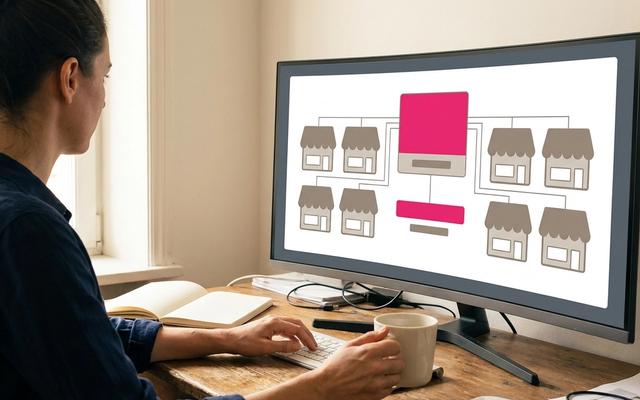
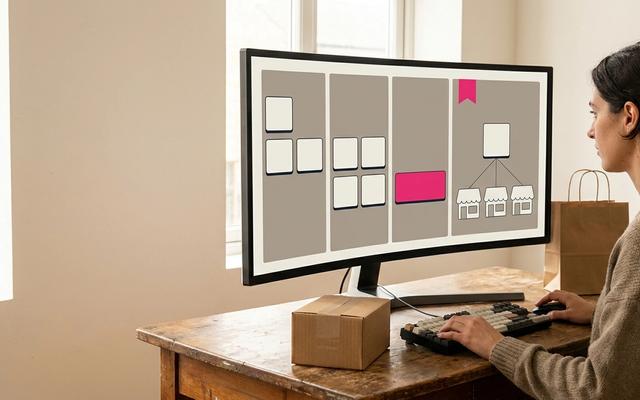
Before you set anything up, write down how your locations naturally group together. That might be by region, territory, franchisee, or sub-brand. For each group, note who is responsible for replying and who they escalate to.
Keep each group small enough that one person can realistically stay on top of it. If a regional lead can’t clear their queue on a normal day, the group is too big.
Step 2: Give each group its own queue, with a view for negative sentiment
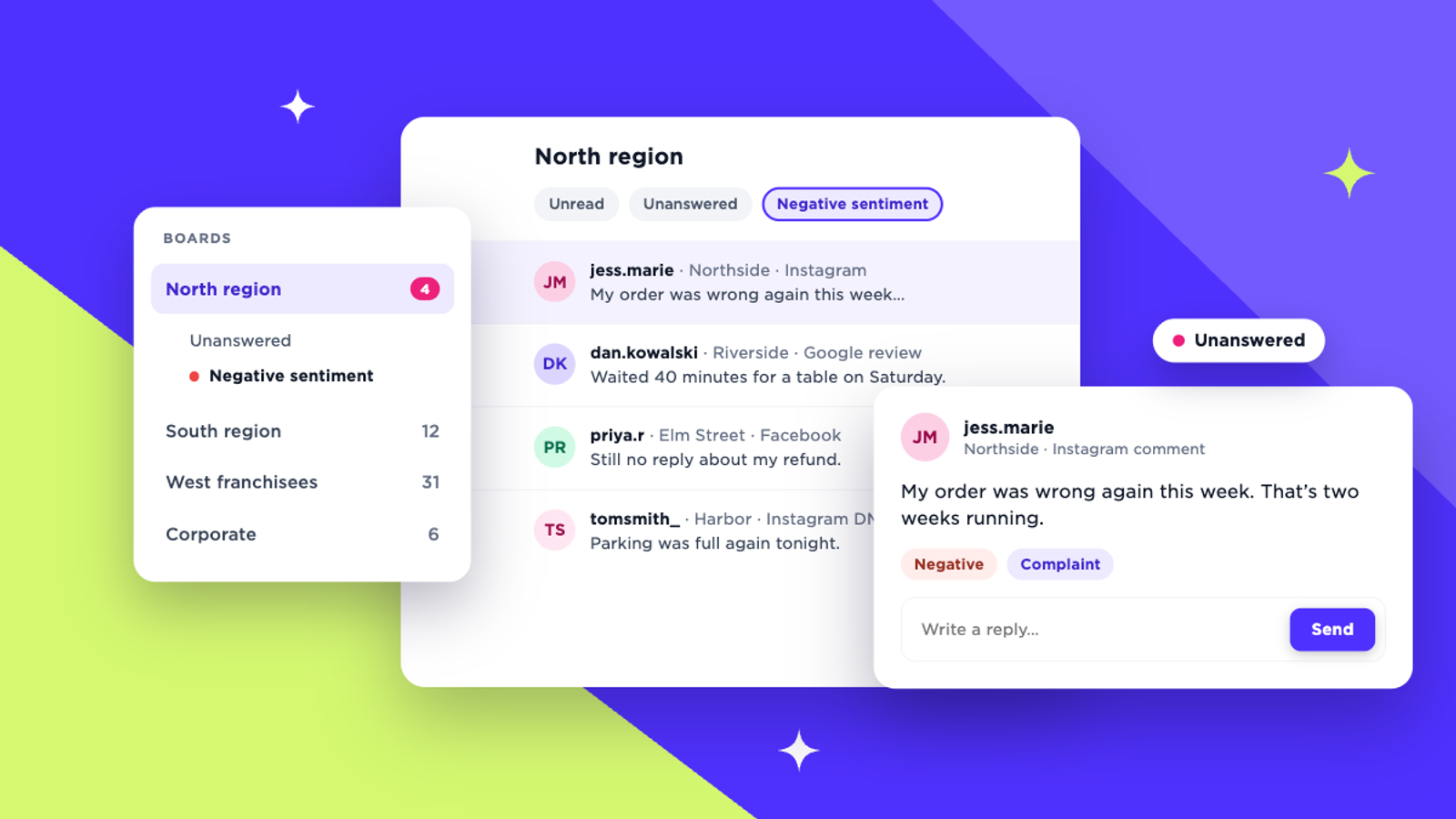
Once you know your groups, give each one its own inbox queue so local teams only see the locations they’re responsible for. Then add a filtered view inside each queue that shows only negative sentiment.
This changes what corporate’s morning looks like. Instead of reading everything across 60 profiles, the brand team scans the negative views for each region and checks that someone is on it. The comment from Northside surfaces on day one instead of day three.
Step 3: Decide who replies and who escalates
Local teams should own routine conversations, including questions about hours, bookings, and stock, along with praise and general chat. Corporate should take anything with legal, safety, or press risk, and any complaint that’s already picking up replies from other customers.
Set a response-time target for each type, and make it realistic enough that your team will actually hit it. It also helps to think about access. Not everyone who needs to see conversations needs to reply to them, and a location manager with view-only access can stay informed without becoming another voice for the brand.
Step 4: Save answers to the questions you get every day
Most locations get the same 10 questions on repeat, whether that’s parking, opening hours, gift cards, or returns. Write the best answer to each once and save it as a reply template, so every location gives the same accurate answer.
For everything else, AI-assisted replies grounded in your brand voice can help a reply from your third location sound like it came from the same brand as your 17th. Read every reply before it goes out, especially on complaints.
Step 5: Tag conversations as you go
Agree on a short list of tags, such as complaint, enquiry, and compliment, plus a few specific to your business, like wait times or product availability. Apply them as each conversation is handled.
When someone asks what people are complaining about at the Northside stores, you can answer from labels applied at the time instead of scrolling back through weeks of threads and relying on memory.
Common mistakes to avoid
- Running everything through one giant stream. If every location’s messages sit in a single queue, the urgent ones are always competing with the noise, and nobody knows which conversations are theirs.
- Giving everyone full access. When every location manager can reply on behalf of every location, you lose accountability and tone consistency at the same time.
- Replying from the native apps. Replies sent from each platform’s own app leave no shared record. Corporate can’t see what was said, and the next person to pick up the conversation starts from zero.
The tools that make this easier
You can run this structure with the native platform inboxes, but you’ll be working one profile at a time. Dedicated review-management platforms are strong on review sites but are built around listings more than social conversations. The large social suites offer unified inboxes, although location-level views and sentiment filtering often sit on their higher tiers. With per-seat pricing, that cost can balloon when every local manager needs a login.
We recommend Sked Social for multi-location brands because its inbox is built around this exact structure:
- Boards are conversation queues you name and organize yourself, so you can create one per region, territory, or franchisee.
- Feeds are saved filters inside each Board for unread, unanswered, positive sentiment, or negative sentiment.
- Custom conversation tags are labels your team defines and applies as it works.
- Reply tools: static reply templates cover your most common questions, and Smart Replies draft on-brand responses using your Brand Kit.
- Inbox access: admins set each user to Read only, Personal, or Full access, so visibility and replying are separate decisions.
DIJONES runs 23 location accounts across Facebook and Instagram in Sked Social, which is the kind of footprint this setup is designed for.
See how it works for multi-location teams
If you’re managing social for 20 or more locations and want to see this with your own regions and account list, book a demo. We’ll set up a sample Board structure for your locations and show you what corporate’s morning check looks like.