You've scheduled 10 Reels for the week, and each one still needs its sound added. Until now that meant waiting for each Reel to go live, then opening the Instagram app to add the audio, often late at night or between other jobs. Now you can add the audio in Sked Social while you schedule, so each Reel goes out with its sound already on.
What's new
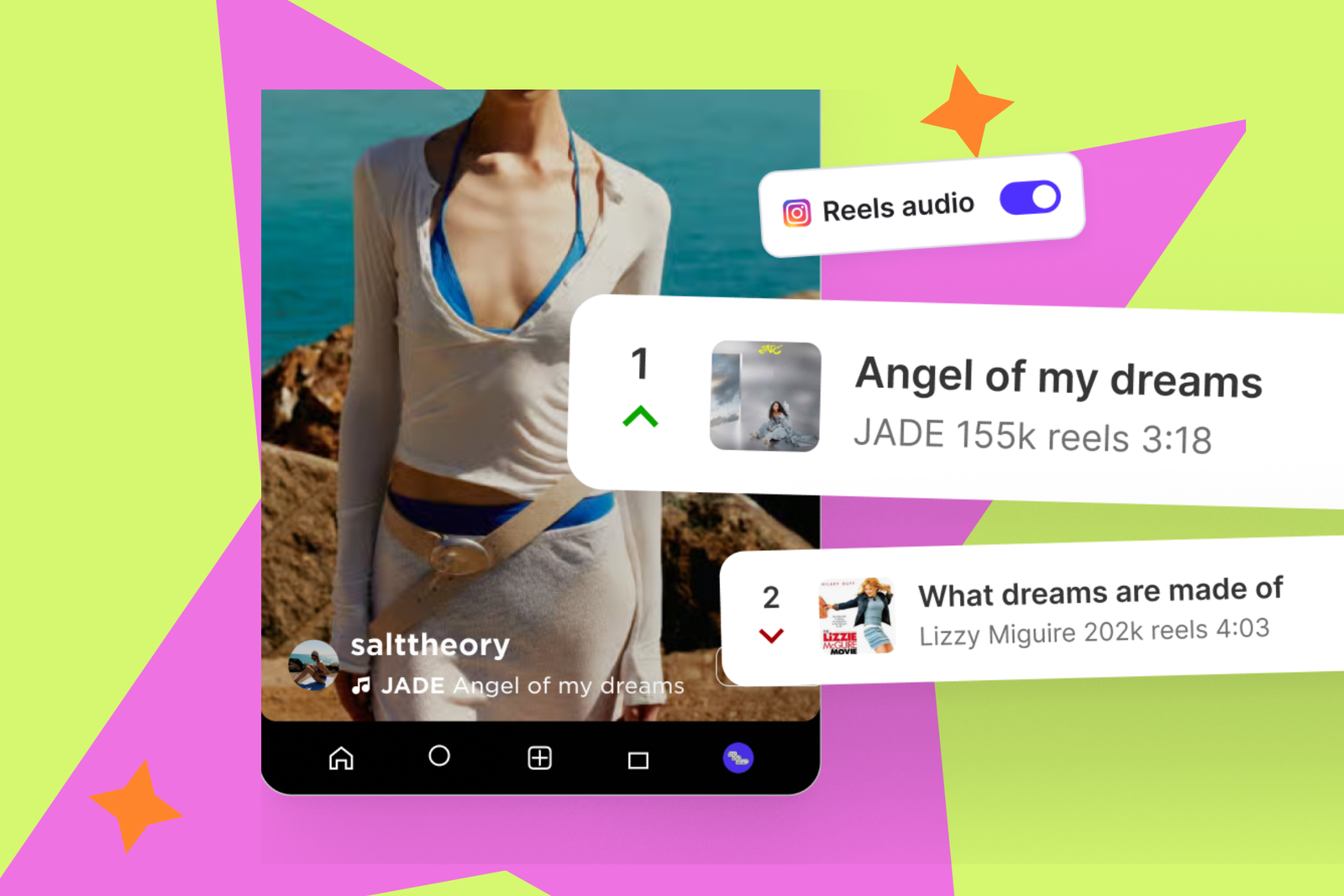
When you schedule a Reel in Sked Social, turn on Add a track from Instagram's audio in the composer. Choose a track and it's attached when the Reel publishes.
The tracks come from the catalog Instagram has licensed for scheduling. It's not the same library you browse in the Instagram app, so a song you've heard there might not be available here.
Why it helps when you're scheduling a week at a time
Reels Audio is most useful when you batch. If you plan and schedule a week of Reels in one go, choosing the audio becomes part of that same session. You don't have to go back to every post after it goes live, and nothing publishes silent because someone forgot to add the sound.
Availability
Reels Audio is live on all Sked Social plans for anyone with a connected Instagram account. There's nothing to switch on. You'll find it in the Reels composer next time you schedule.
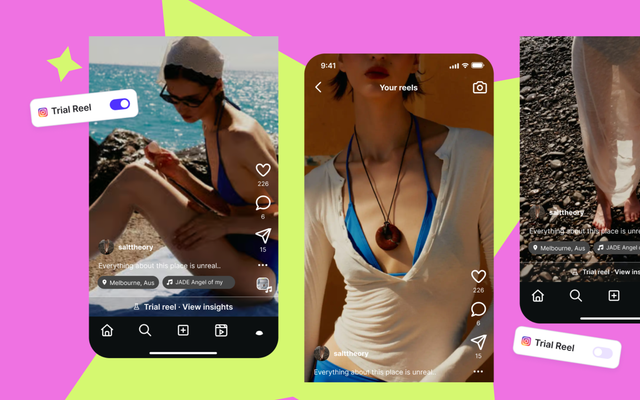
Reels Audio is part of Sked Social's Instagram API update, which also brings trial reels, so you can test a reel on non-followers before your followers see it.
Schedule your next Reel with audio