Skip to content

New in Create post

Publish all 20 slides of your Instagram carousel.

Instagram carousels now hold up to 20 photos or videos. Add all 20 in Create post, and Sked Social publishes the whole carousel at the time you set.

14-day free trial. No credit card needed.

Create post
Accounts
Media
Carousel20/20
Caption

20 things you can do with 20 slides. Swipe through all of them.
marigoldandryeMarigold & Rye
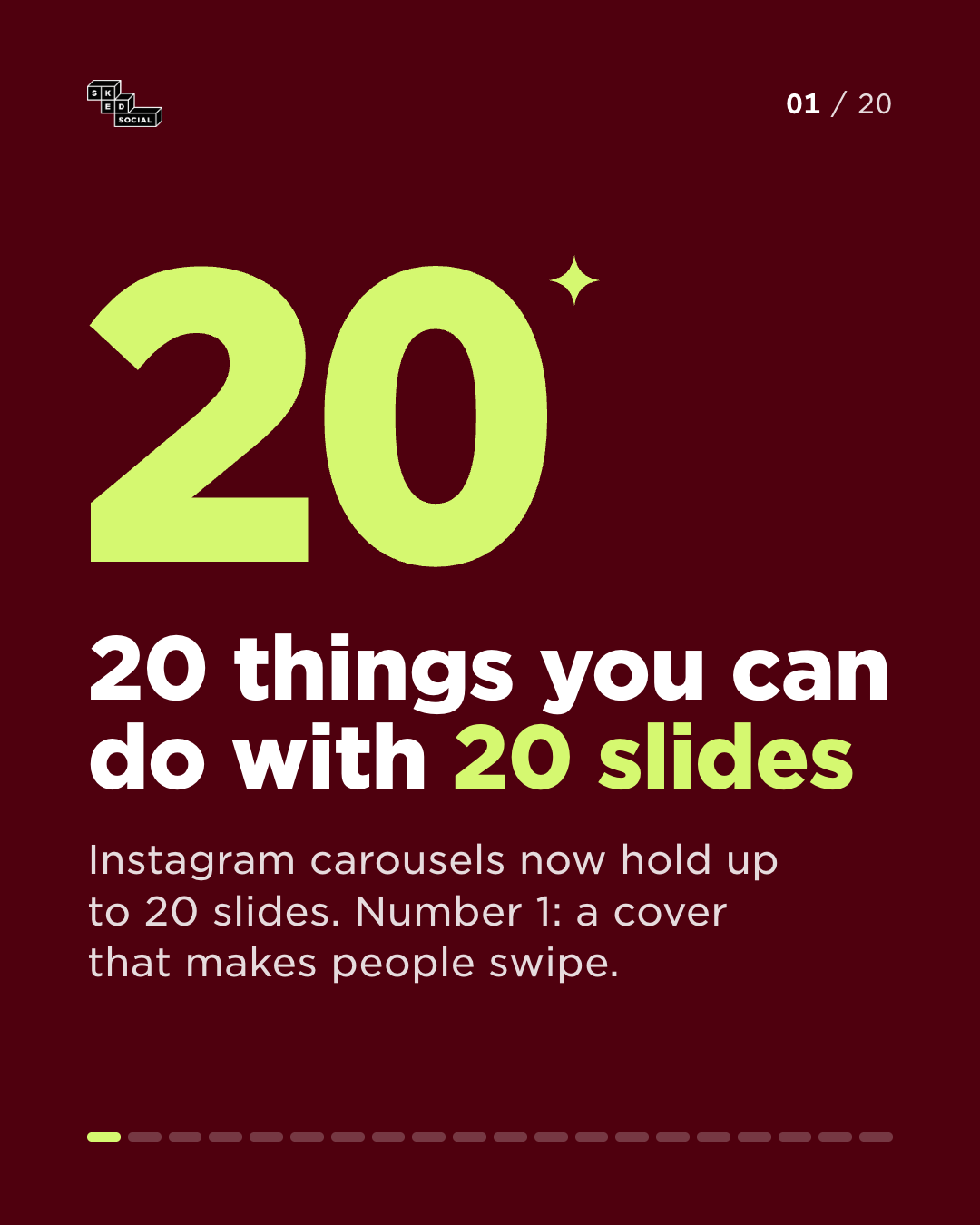
Slide 1 of 20: 20 things you can do with 20 slides. Instagram carousels now hold up to 20 slides. Number 1: a cover that makes people swipe.
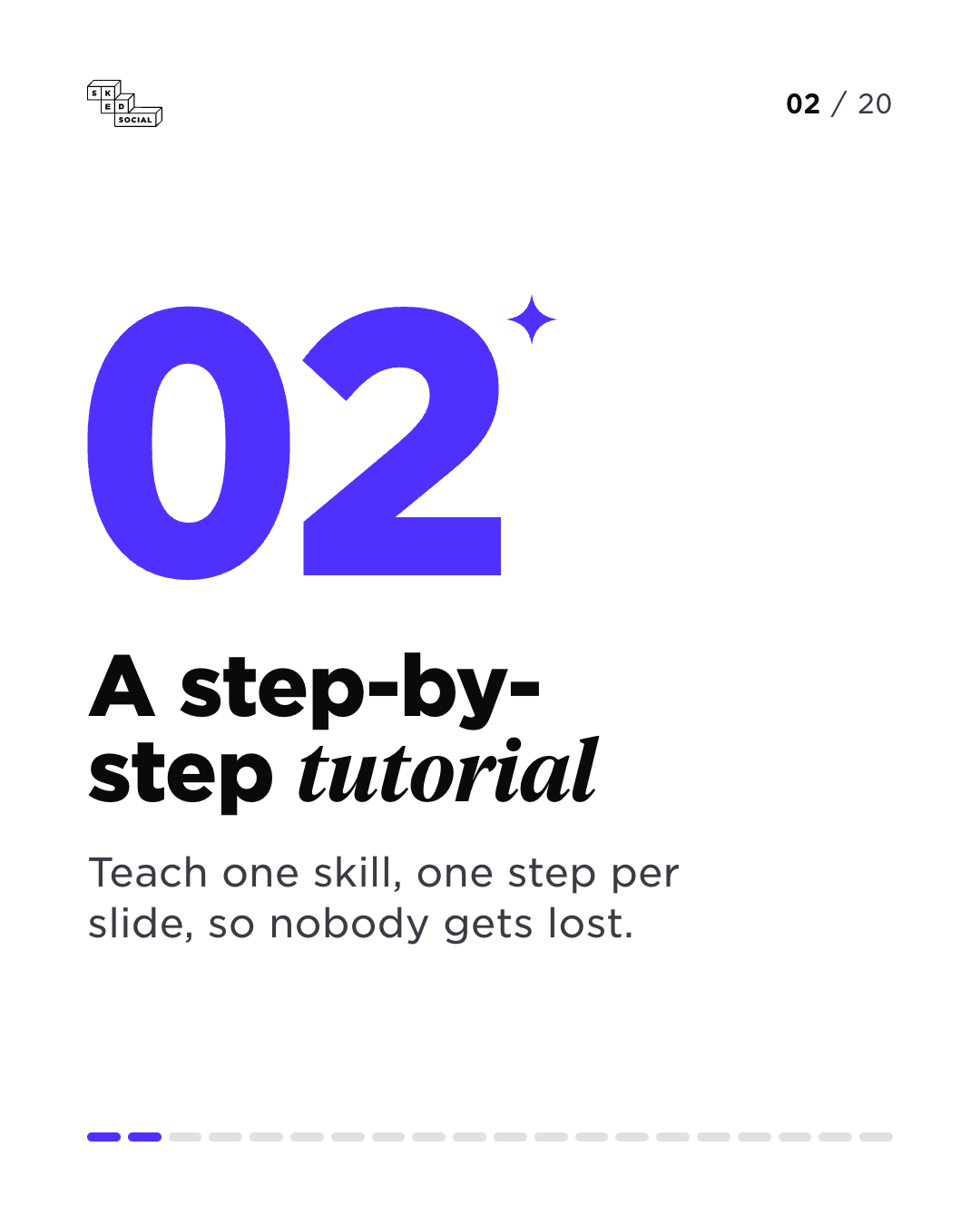
Slide 2 of 20: A step-by-step tutorial. Teach one skill, one step per slide, so nobody gets lost.
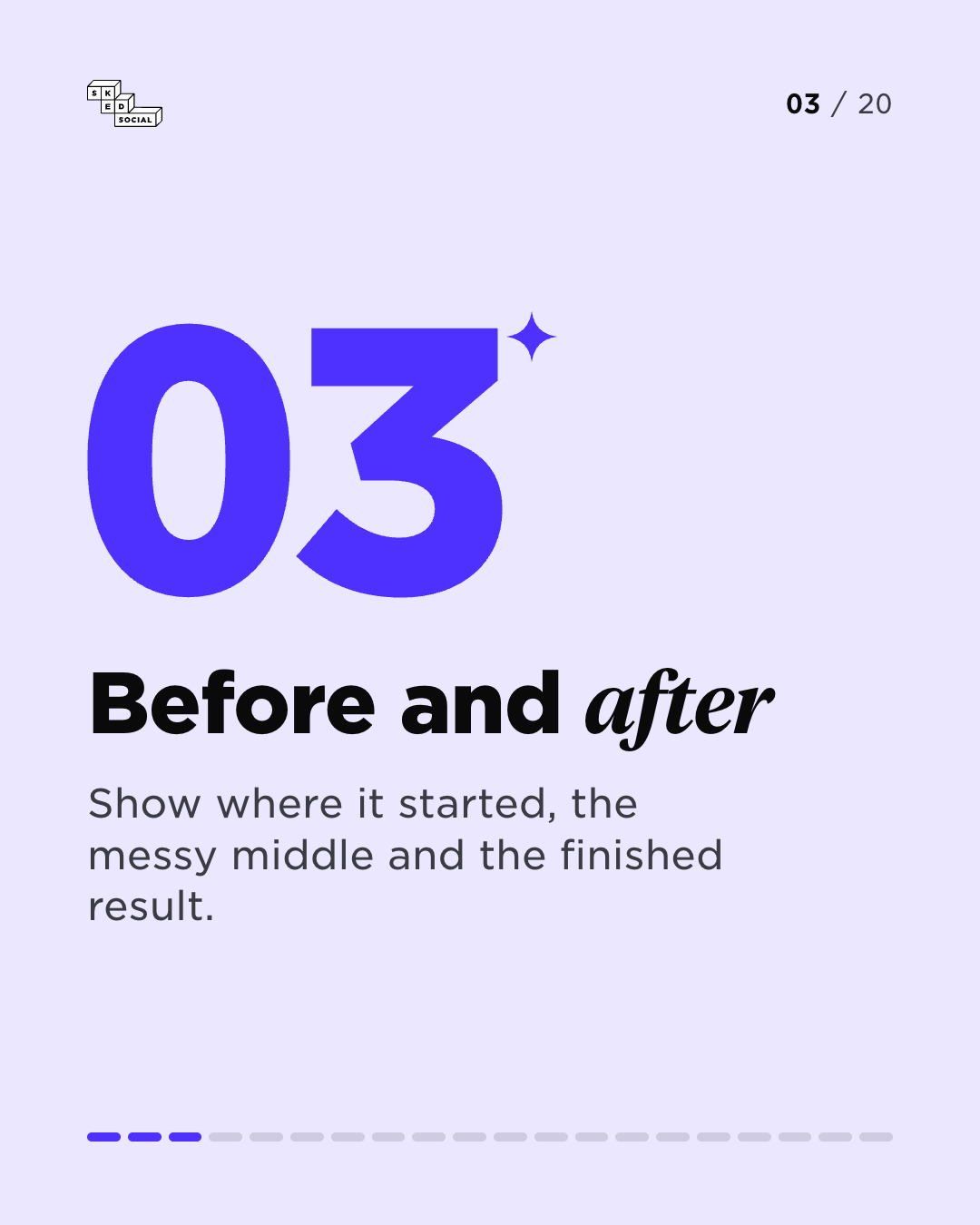
Slide 3 of 20: Before and after. Show where it started, the messy middle and the finished result.
Slide 4 of 20: A product launch. Reveal what is new, then give every feature its own slide.
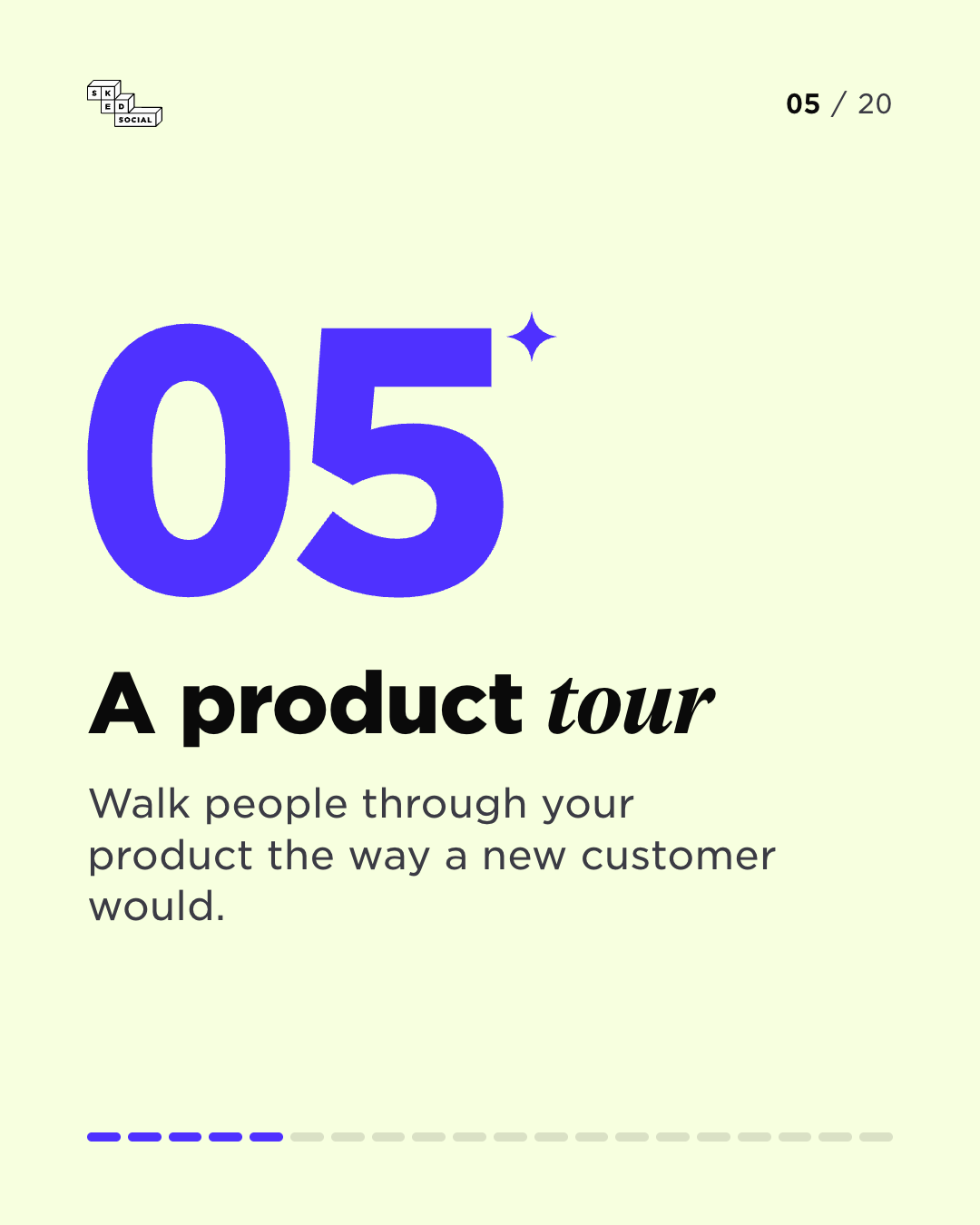
Slide 5 of 20: A product tour. Walk people through your product the way a new customer would.
Slide 6 of 20: A customer case study. Challenge, approach, result. Let your customer tell the story.
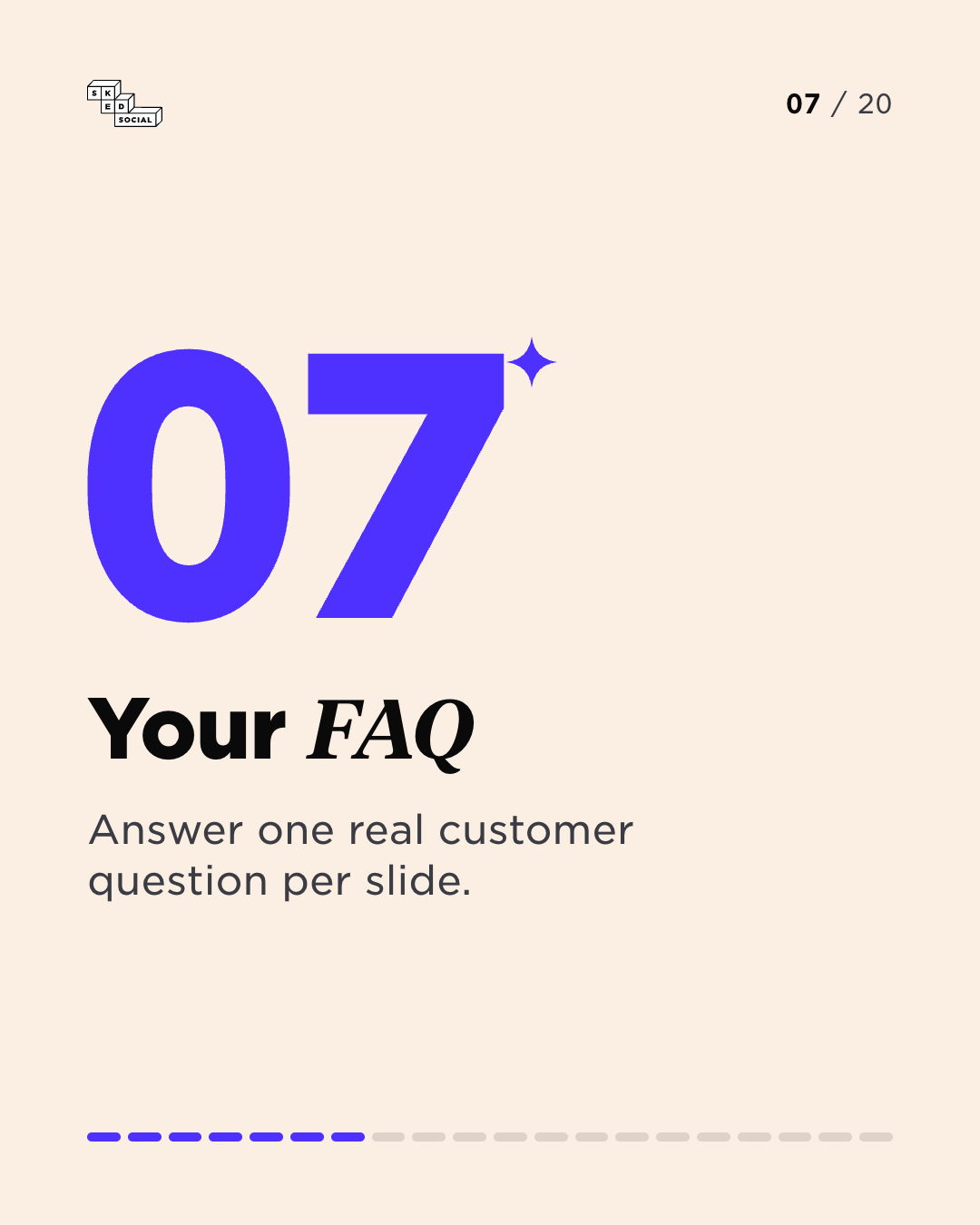
Slide 7 of 20: Your FAQ. Answer one real customer question per slide.
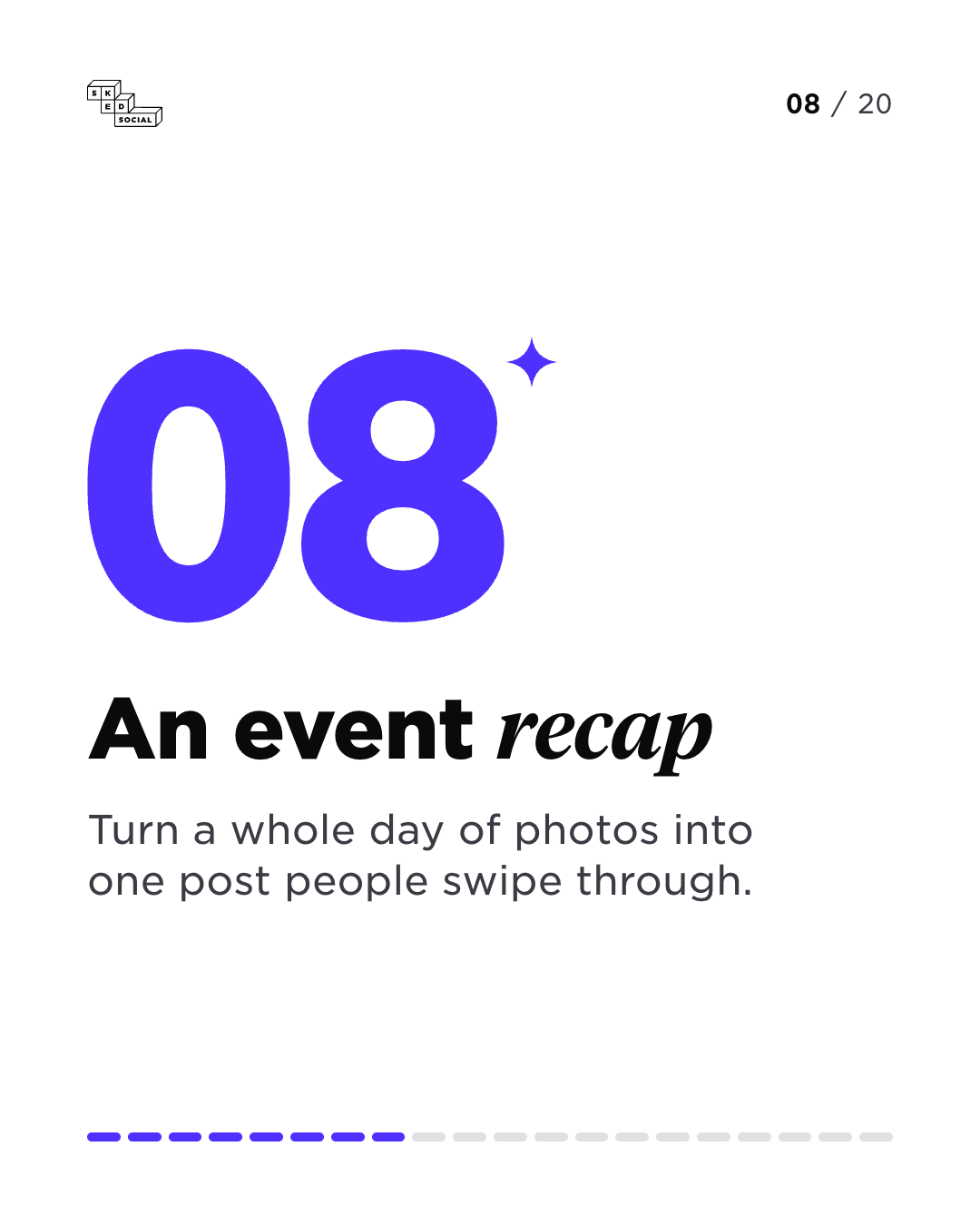
Slide 8 of 20: An event recap. Turn a whole day of photos into one post people swipe through.
Slide 9 of 20: Meet the team. One person per slide, with their name, their role and one fun fact.
Slide 10 of 20: Behind the scenes. Show how the work really gets made, mess and all.
Slide 11 of 20: Myth versus fact. Bust one common myth about your industry on every slide.
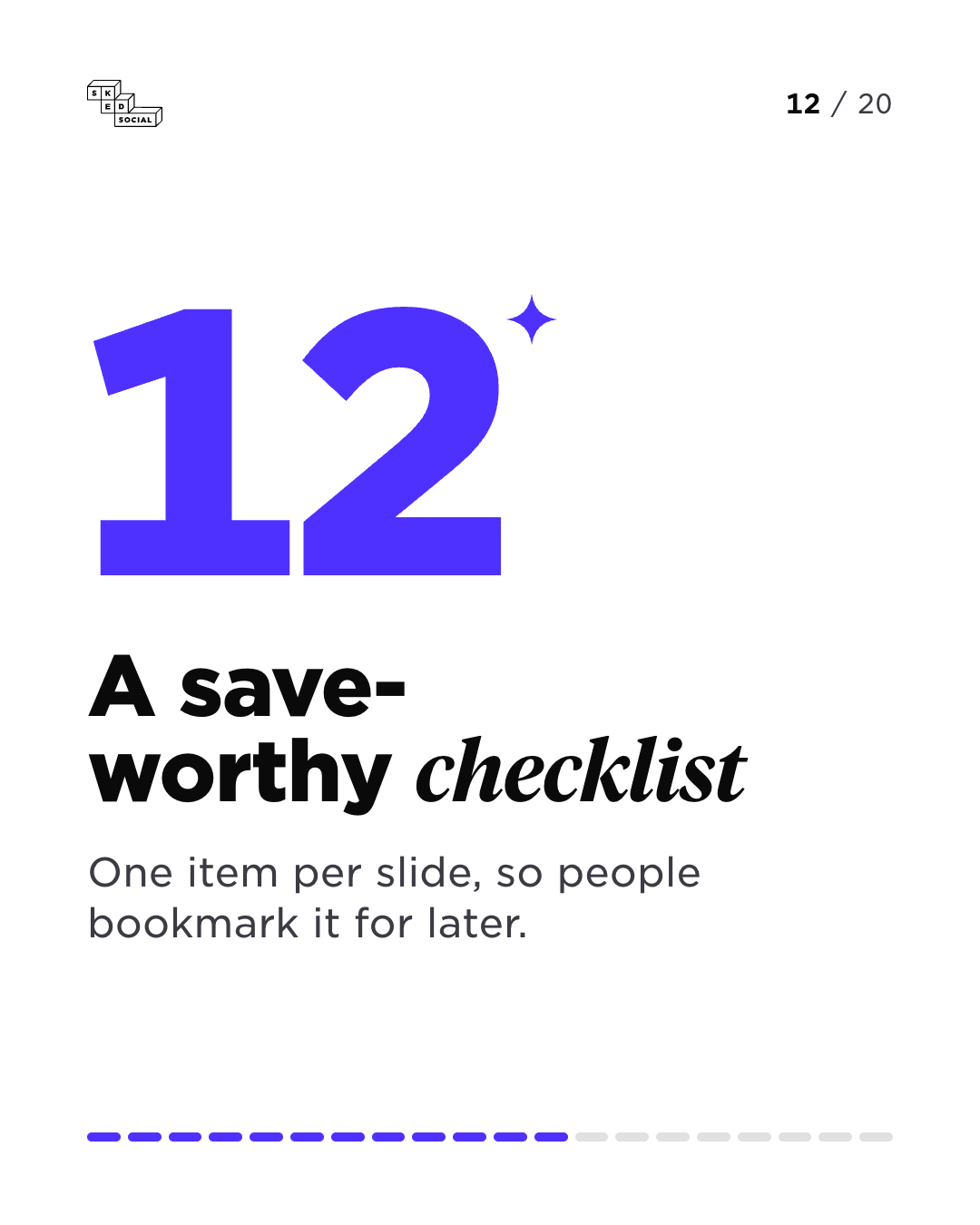
Slide 12 of 20: A save-worthy checklist. One item per slide, so people bookmark it for later.
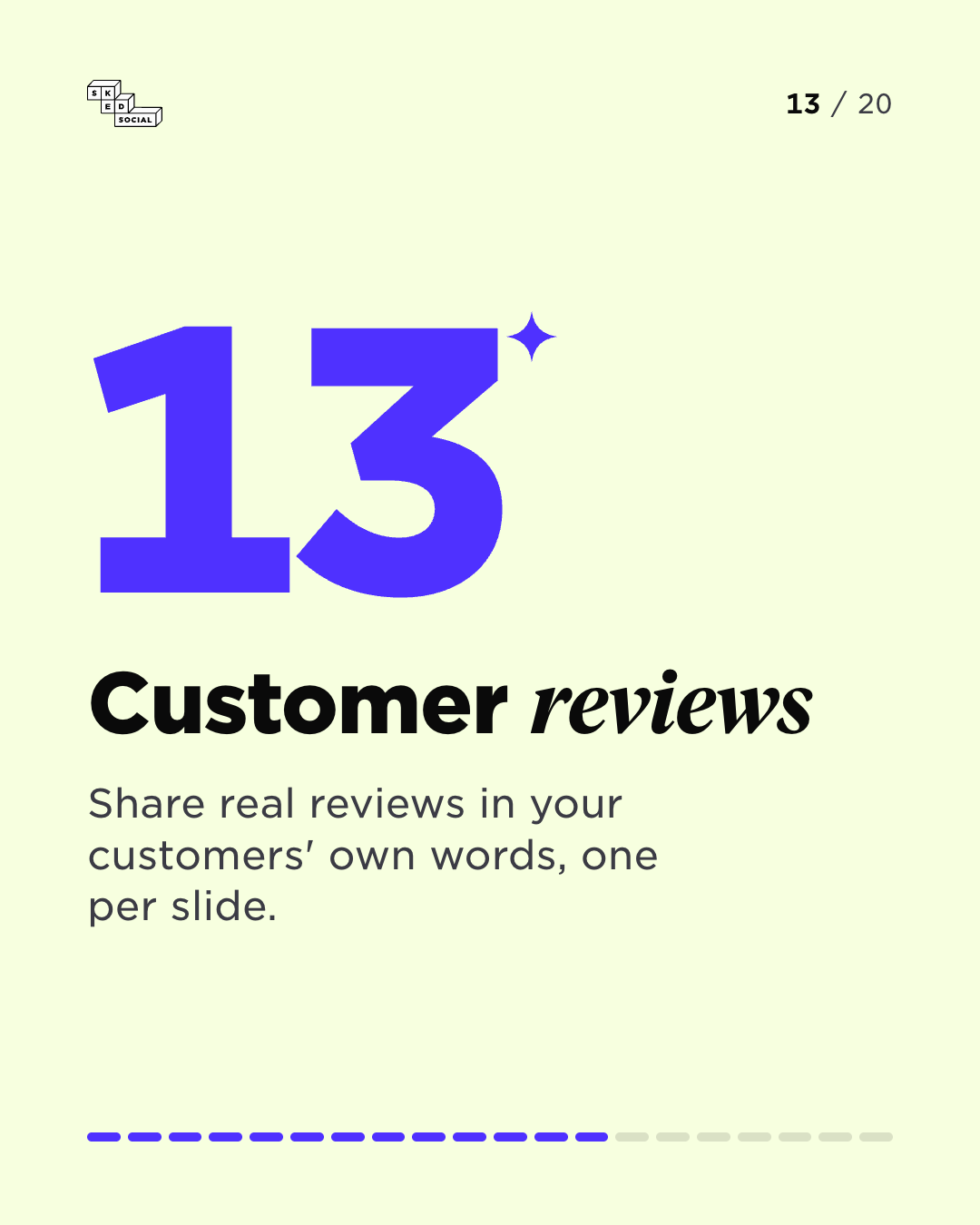
Slide 13 of 20: Customer reviews. Share real reviews in your customers' own words, one per slide.
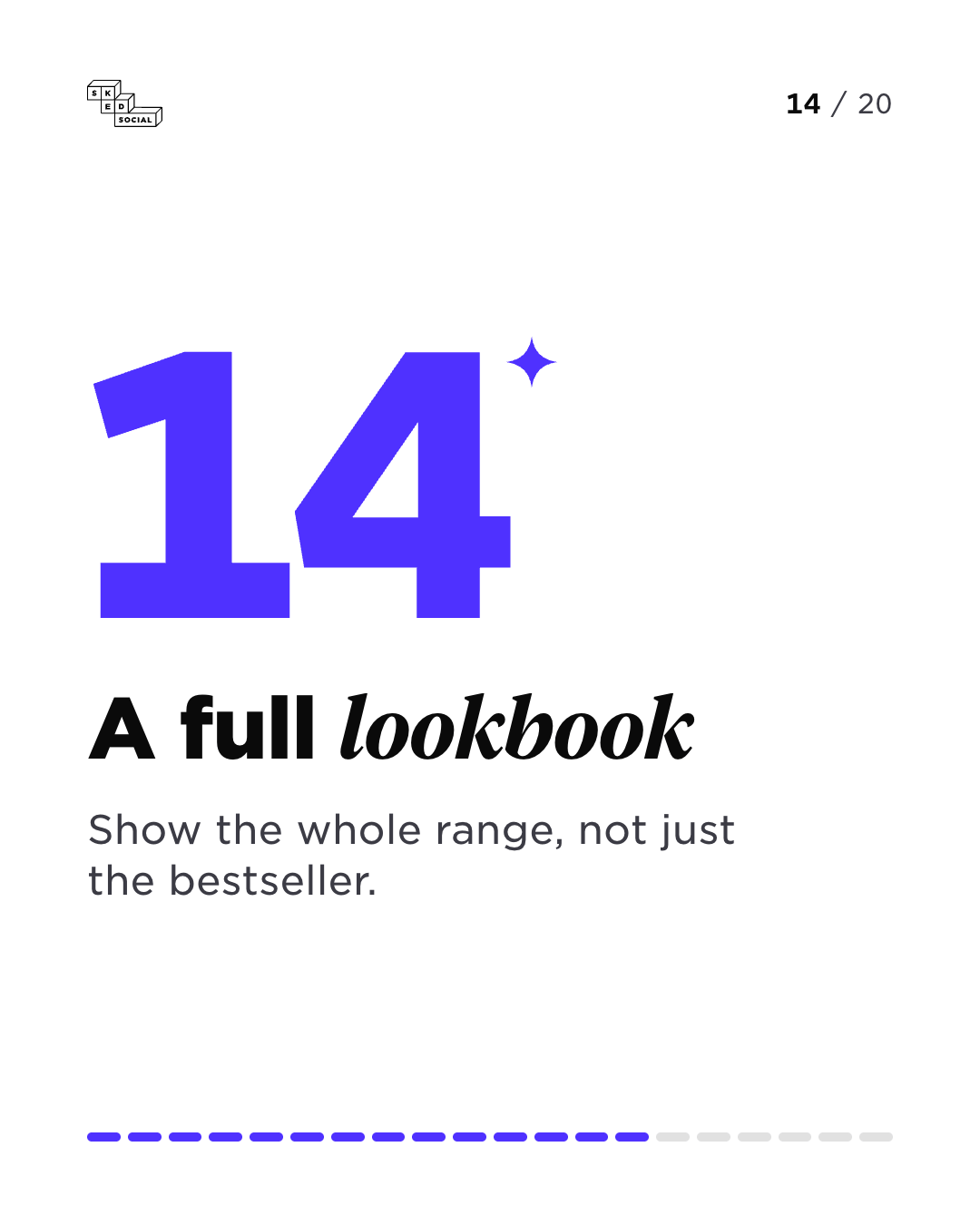
Slide 14 of 20: A full lookbook. Show the whole range, not just the bestseller.
Slide 15 of 20: A photo dump. Share the whole trip, launch or week, every shot that mattered.
Slide 16 of 20: Your brand story. Tell people how you got here, one milestone per slide.
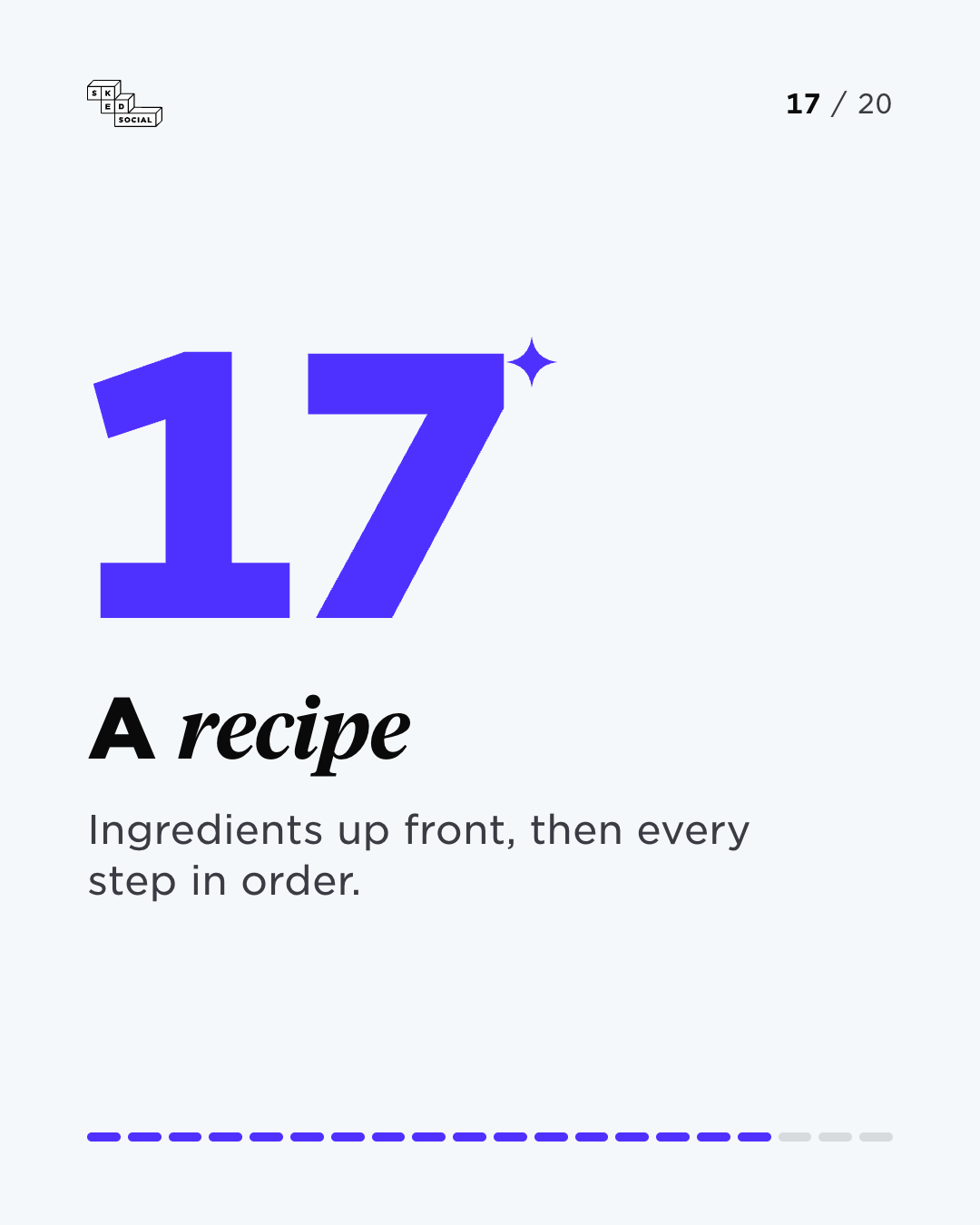
Slide 17 of 20: A recipe. Ingredients up front, then every step in order.
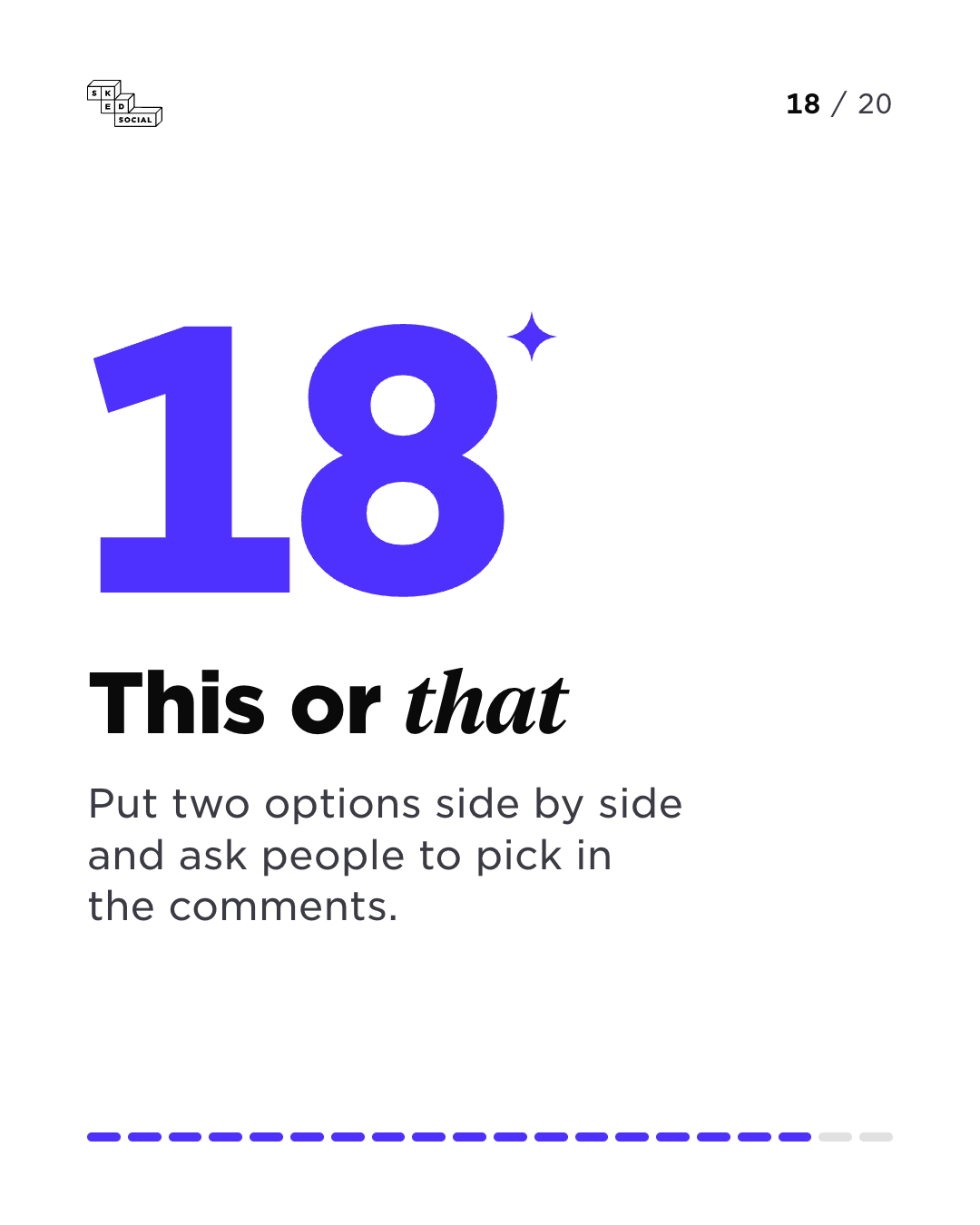
Slide 18 of 20: This or that. Put two options side by side and ask people to pick in the comments.
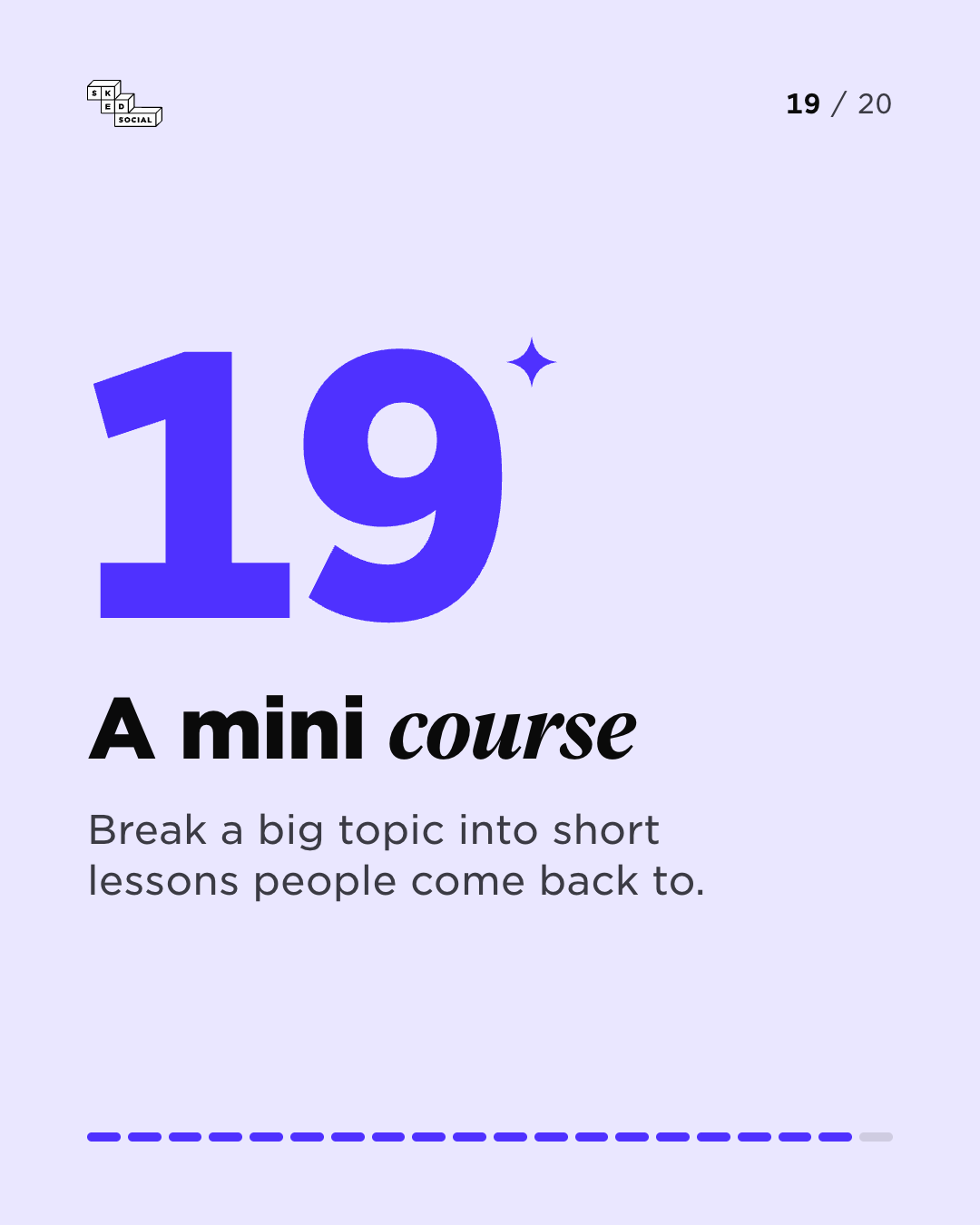
Slide 19 of 20: A mini course. Break a big topic into short lessons people come back to.
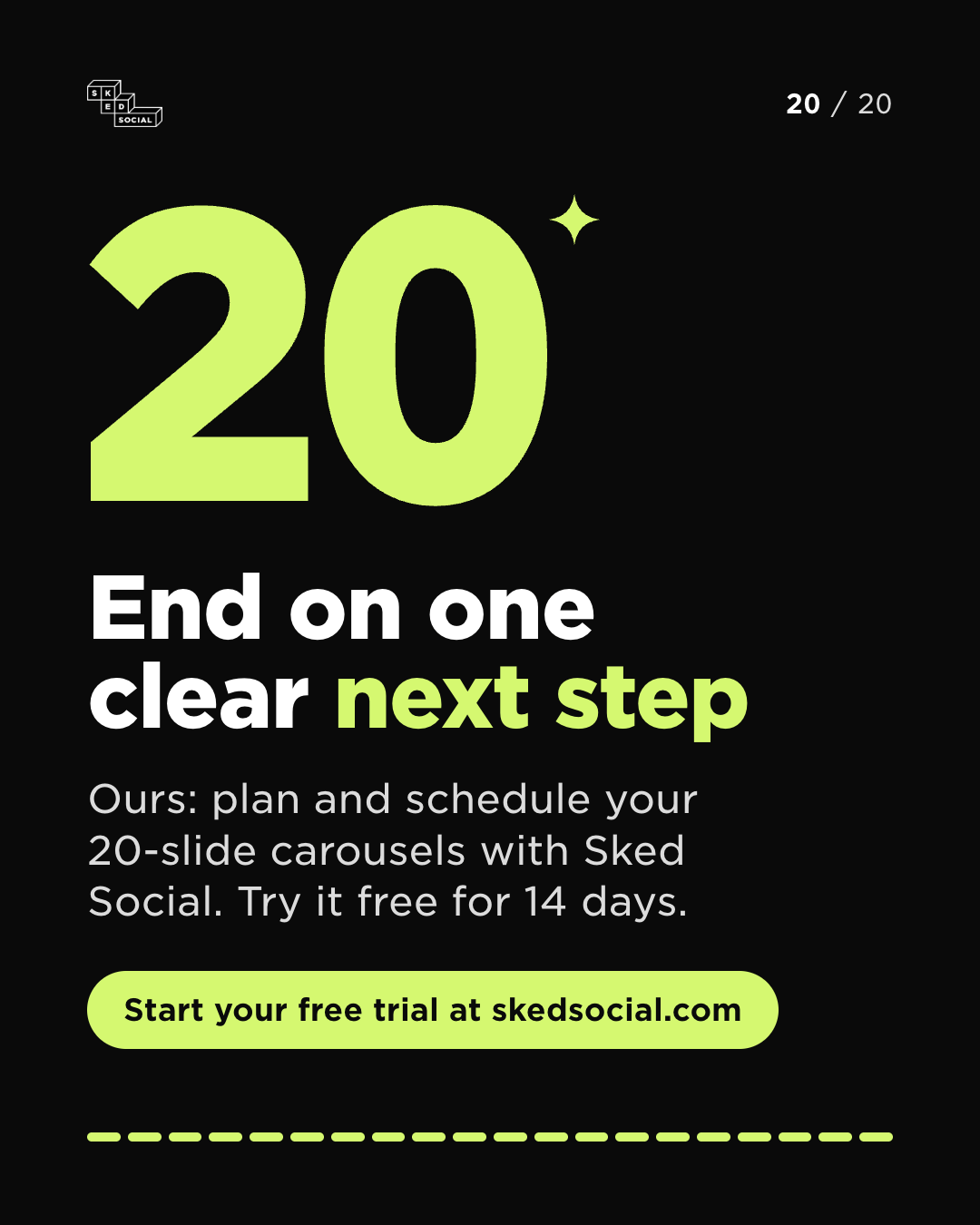
Slide 20 of 20: End on one clear next step. Ours: plan and schedule your 20-slide carousels with Sked Social. Try it free for 14 days. Start your free trial at skedsocial.com.

marigoldandrye 20 things you can do with 20 slides. Swipe through all of them.
Nov 2
Discard

20 slides, 20 ideas

20 things you can do with 20 slides.

Every one of these now fits in a single post.

  1. Slide 1 of 20: 20 things you can do with 20 slides. Instagram carousels now hold up to 20 slides. Number 1: a cover that makes people swipe.
  2. Slide 2 of 20: A step-by-step tutorial. Teach one skill, one step per slide, so nobody gets lost.
  3. Slide 3 of 20: Before and after. Show where it started, the messy middle and the finished result.
  4. Slide 4 of 20: A product launch. Reveal what is new, then give every feature its own slide.
  5. Slide 5 of 20: A product tour. Walk people through your product the way a new customer would.
  6. Slide 6 of 20: A customer case study. Challenge, approach, result. Let your customer tell the story.
  7. Slide 7 of 20: Your FAQ. Answer one real customer question per slide.
  8. Slide 8 of 20: An event recap. Turn a whole day of photos into one post people swipe through.
  9. Slide 9 of 20: Meet the team. One person per slide, with their name, their role and one fun fact.
  10. Slide 10 of 20: Behind the scenes. Show how the work really gets made, mess and all.
  11. Slide 11 of 20: Myth versus fact. Bust one common myth about your industry on every slide.
  12. Slide 12 of 20: A save-worthy checklist. One item per slide, so people bookmark it for later.
  13. Slide 13 of 20: Customer reviews. Share real reviews in your customers' own words, one per slide.
  14. Slide 14 of 20: A full lookbook. Show the whole range, not just the bestseller.
  15. Slide 15 of 20: A photo dump. Share the whole trip, launch or week, every shot that mattered.
  16. Slide 16 of 20: Your brand story. Tell people how you got here, one milestone per slide.
  17. Slide 17 of 20: A recipe. Ingredients up front, then every step in order.
  18. Slide 18 of 20: This or that. Put two options side by side and ask people to pick in the comments.
  19. Slide 19 of 20: A mini course. Break a big topic into short lessons people come back to.
  20. Slide 20 of 20: End on one clear next step. Ours: plan and schedule your 20-slide carousels with Sked Social. Try it free for 14 days. Start your free trial at skedsocial.com.

Free tool

Plan all 20 slides before you schedule them.

The free Instagram carousel planner shows your slides in an Instagram-style preview. Drag them into order, check how the first slide crops, then download them as a ZIP in that order. Your images stay in your browser and nothing is uploaded.

  • Drag all 20 slides into order
  • Check how the first slide crops
  • Download a ZIP in post order
Instagram carousel planner20 of 20 slidesCheck the crop on slide 1Download ZIP

A 20-slide carousel in three steps.

  1. Add your slides

    Open Create post, pick your Instagram account and add up to 20 photos or videos.

  2. Write and check

    Write the caption, add tags, and check every slide in the preview.

  3. Schedule it

    Pick a time. Sked Social publishes all 20 slides to Instagram for you.

More room on other networks too.

The same update raised how many photos and videos Create post takes for these networks.

  • Facebook20items per post
  • Threads20items per post
  • LinkedIn20items per post
  • TikTok35photos per photo post

Direct publishing needs an Instagram Business or Creator account connected to Sked Social.

Proof, not promises.

  • 94%customer satisfaction (CSAT)Measured across 10,000+ marketers who run their social on Sked Social.
  • 90saverage first responseAverage time to a real human reply from the support team.
  • 4.6/5on G2 from verified reviews80+ verified customer reviews on G2.
  • SOC 2Type 2 certifiedYour content and your audience data, handled to enterprise standard.

Questions about 20-slide carousels.

  • How many slides can an Instagram carousel have in Sked Social?

    Up to 20 photos or videos, the same as the Instagram app. Sked Social publishes all of them at the time you schedule.

  • Which Instagram accounts can publish 20 slides?

    Instagram Business and Creator accounts connected to Sked Social for direct publishing. Connect your account once and every carousel you schedule can use all 20 slides.

  • What if I post the same carousel to other networks?

    Create post stops adding media at the lowest limit among the accounts you picked. Facebook, Threads and LinkedIn take up to 20 items, and TikTok photo posts take up to 35.

  • When did Sked Social start publishing 20-slide carousels?

    Sked Social has published Instagram carousels of up to 20 slides since 30 October 2026.

  • Can I try it for free?

    Yes. Start a 14-day free trial of Sked Social. No credit card needed.

Your next carousel can use all 20.

Start a 14-day free trial. No credit card needed.