It's Monday morning. A client wants last month's numbers by lunch, three posts are stuck in review, and someone has asked you to "just quickly check" a caption against the brand guidelines. You can now ask Claude to handle that list. Connect Claude to your Sked Social account and it can work with your live calendar, Brand Kit, Inbox, and analytics. It signs in with your normal Sked Social login.
What you can do once Claude is connected
Pull performance without building a report
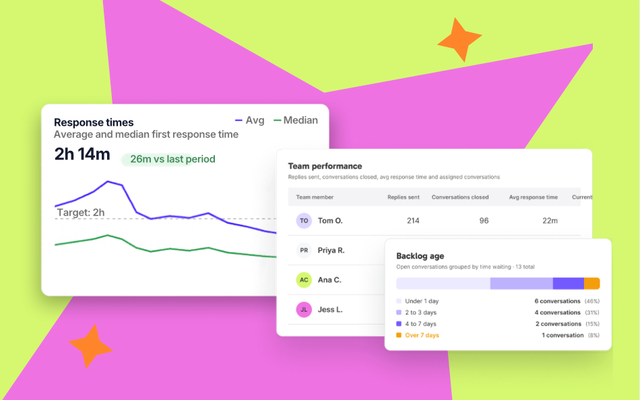
Ask "How did last month go across my brands?" and Claude summarizes reach and interactions, then compares them with the month before. If you manage more than one brand group, Claude asks which one you mean before it answers. You can also ask when your audience is most active on Instagram, which helps when you're choosing a time slot.
Check a caption against your Brand Kit
Claude follows your tone of voice, words to avoid, and content pillars from your Brand Kit as its rules. Paste in a caption and ask Claude to check it against your tone of voice and words to avoid. It comes back with suggested edits. If your Brand Kit is still empty, ask Claude to set it up with you first.
Save drafts without copying and pasting
Ask Claude to turn your newest idea into an Instagram draft for Thursday. It shows you a preview marked "Not saved yet" and only saves the draft once you confirm. It also works the other way around. Give Claude your meeting notes and ask for five post ideas in your brand's tone.
Schedule once review is done
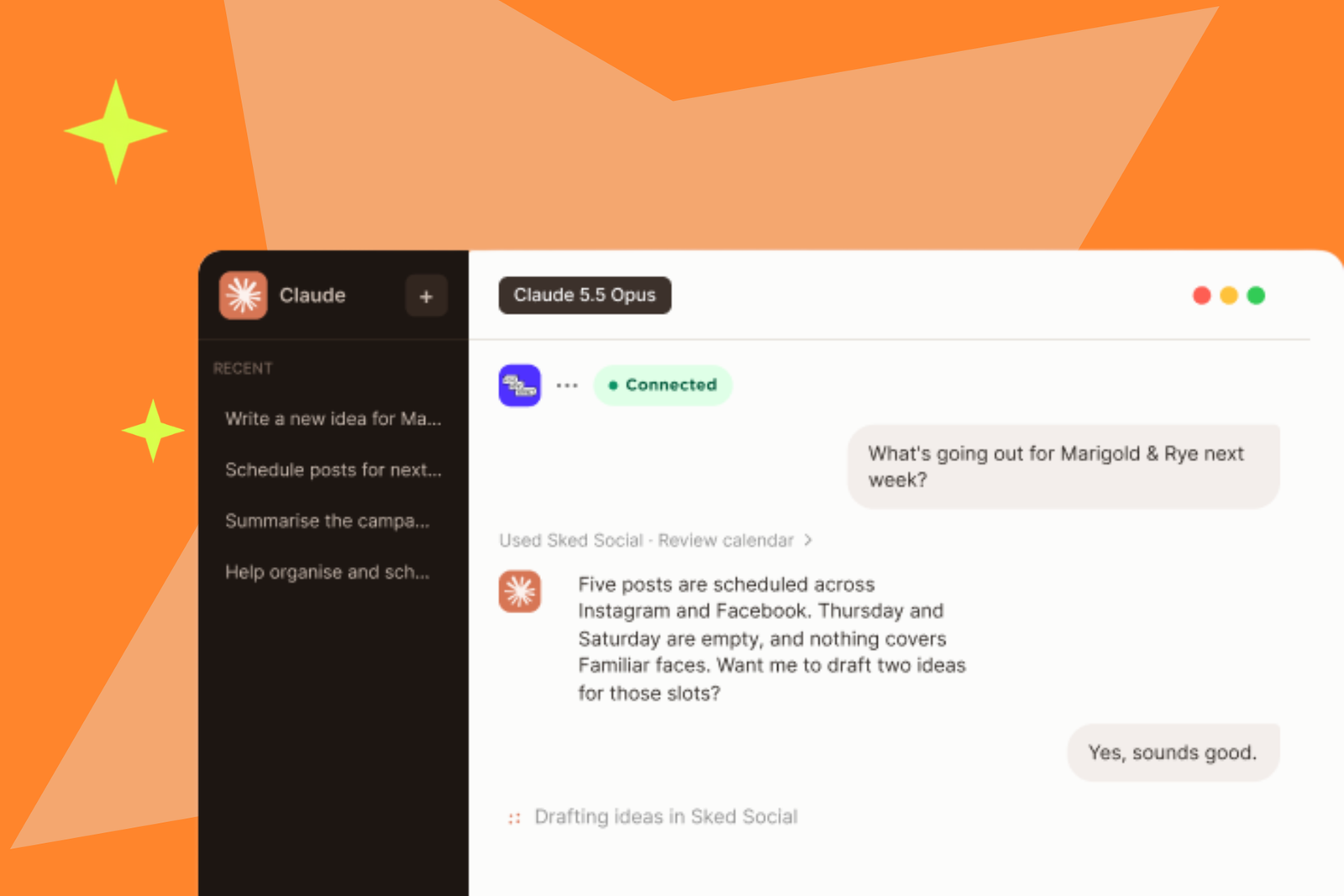
Ask what's waiting for approval and what's due this week. When a client leaves a change request, Claude can read the comment, update the caption, and move the post to the right status. Once you've signed off, ask Claude to move everything you approved this week to scheduled.
Draft replies to your Inbox
Ask Claude for this week's negative comments and replies drafted from your templates. Claude saves the drafts in your Sked Social Inbox. Someone on your team reads them and presses send.
You keep the final say
Claude previews drafts, edits, and status changes before saving anything. Anything Claude does shows up in post activity as "[Your name]'s Agent", so your team can see what was done by a person and what was done by an agent. Nothing gets sent automatically. Each person connects with their own login, and admins can turn tools on or off for their team in Claude's organization settings.
Set it up in three steps
- In Claude, open Settings, go to Connectors, and choose Add custom connector.
- Enter
https://app-mcp.skedsocial.com/mcpand select Connect. - Sign in with your Sked Social account and approve the connection.
You don't need an API key or token. Start a chat and ask what your calendar looks like this week. Claude shows a "Used Sked Social" note whenever it reads from your account. The Connect Claude to Sked Social guide has the full walkthrough and troubleshooting.
If you'd like Claude to run the same job every week, you can save it as a skill or set it to run on a schedule. The sked-skills starter plugin includes nine ready-made skills, such as reviewing your calendar and setting up a Brand Kit. Create your own agents with Sked Social skills explains how.
Who can use it
Everyone who connects starts with a limited set of tools. An agent seat gives you the full set, including Inbox tools and audience activity analytics. Agent seats are assigned person by person.
New to Sked Social? Book a demo to see how it works with Claude.