On this page
You can now boost your best-performing Facebook and Instagram posts directly from the Sked Social Archive. Set your audience, budget, and duration in four steps. No Meta Ads Manager tab required.
A post does well. You want more people to see it. Until now, that meant leaving Sked Social, opening Meta Ads Manager, and rebuilding context you already had in front of you a minute ago.
Meta Post Boosting closes that gap. Open the Archive, find the post, hit Boost. Everything happens where you're already working.
What's new
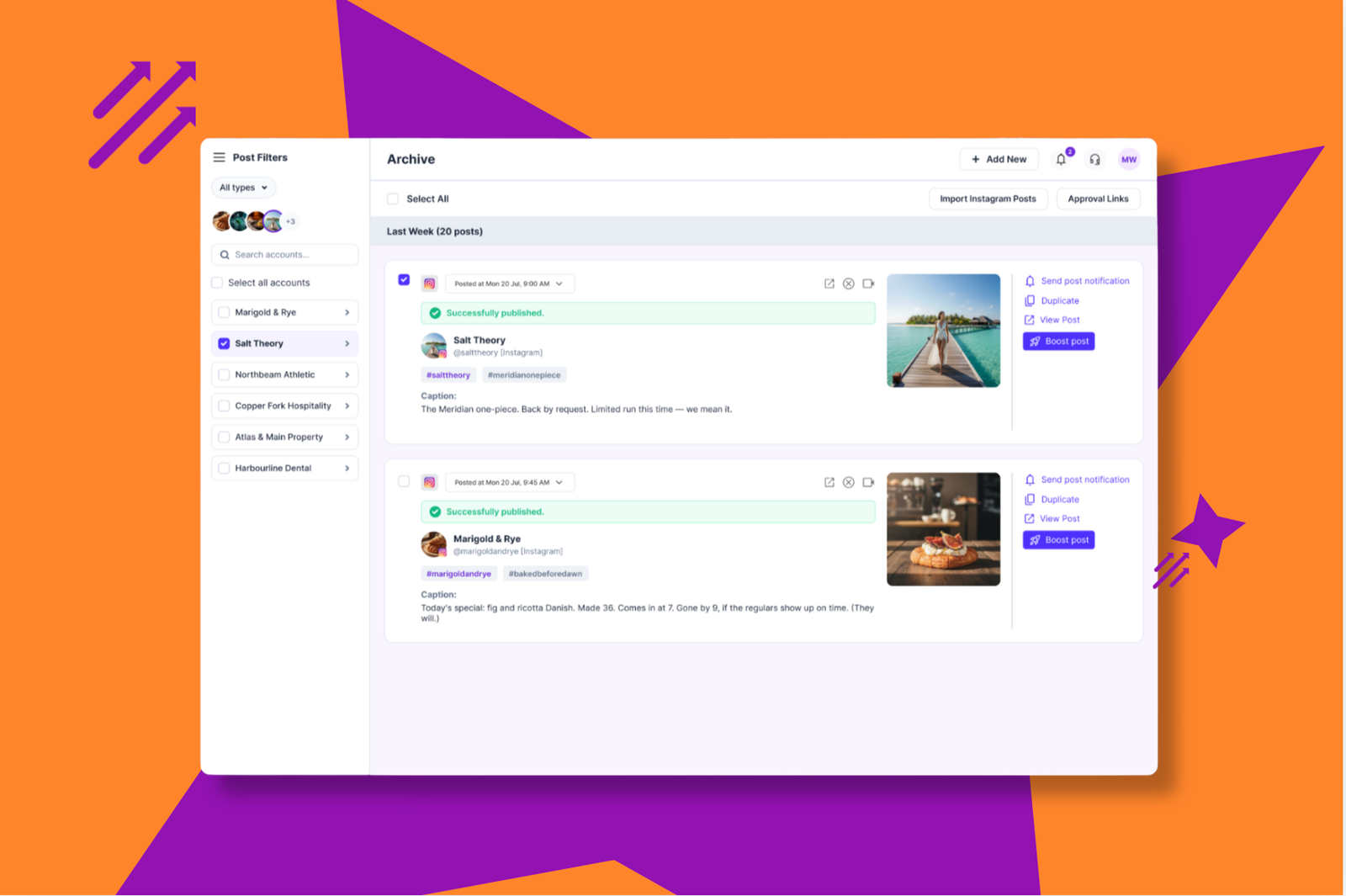
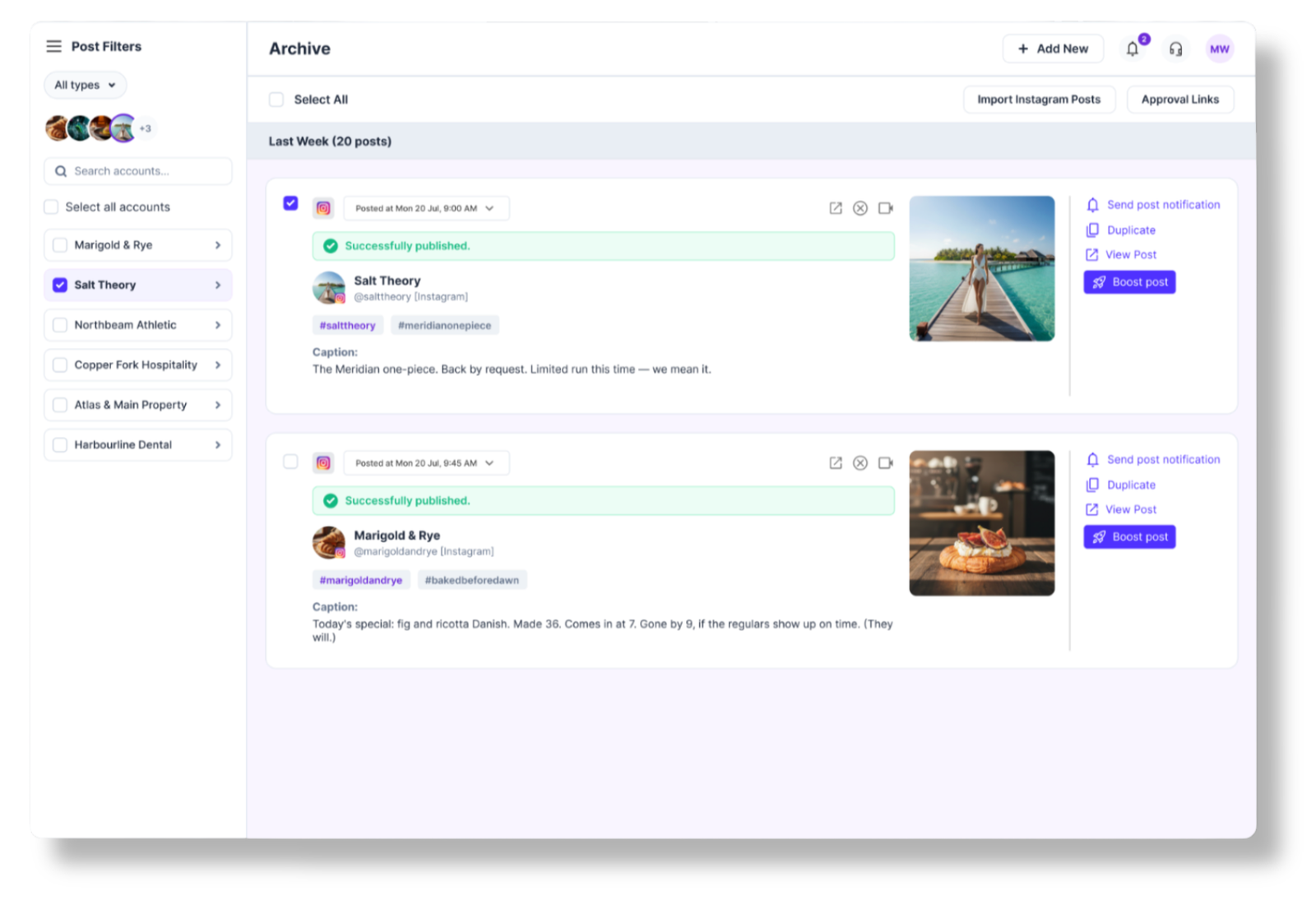
Boost from the Archive
Every published Facebook and Instagram post in your Archive now has a Boost option. Click it, and a guided flow walks you through eligibility, audience, budget, and duration. No separate ad account tab, no rebuilding the post from scratch in another interface.
Boost in four steps
- Eligibility and ad account. Sked Social checks that the post can be boosted and confirms the connected Meta Ads account.
- Audience and objective. Choose who sees the boost and what you're optimizing for.
- Budget and duration. Set how much you're spending and for how long.
- Review and boost. Check the settings, then submit.
You don't need to be an ads expert to get through it. Sked Social checks eligibility automatically, and your settings save against the post record, so if you want to boost it again later, you're not starting over.
See results without switching tools
Boosted posts show up with a Boosted badge across your Account Insights and Brand Summary. Open Paid Social for ad account level metrics, or click into any boosted post's Post Performance modal to see engagement, reach, and a Boost again button that reopens the flow pre-filled with your last settings.
Built for teams that don't want to hand over the keys
Boosting isn't only a "can I do it" problem. For agencies and larger teams, it's also a "who's allowed to do it, and to which account" problem.
Sked Social's Can Boost Posts permission ties each team member to specific client ad accounts. Set it once in Group Settings, and nobody boosts to the wrong account or spends against a budget they shouldn't touch. No inviting reviewers into Meta Business Manager just to give them access.
Who it's for
Boutique and mid-scale agencies running paid amplification for clients get the biggest win here. When a client's post takes off, you can boost it from the same screen you're already managing their content in, instead of opening a separate ad account and losing the moment to tab-switching.
Agencies managing several client ad accounts get the control layer on top. “Can Boost Posts” ties each team member to specific client accounts, so budgets stay where they're supposed to, and admins aren't manually policing who has access to what.
Growing brands boosting occasionally get the guided flow. You don't run paid social every day, and you don't need to. Four steps, plain settings, no ads expertise required to get a post in front of more people.
Where to find it
Two things need to be in place before the Boost button shows up:
- Link a Meta Ads account. Account admins do this in Settings, then Groups, then the relevant group's Meta Ads account field. If it's not linked, the Boost button appears but stays disabled, with a tooltip pointing to Group Settings.
- Grant Can Boost Posts. Account admins assign this per user in Settings, then Team. Without it, the Boost button doesn't show at all.
If your connected Meta account needs the ads management permission and doesn't have it yet, you'll be prompted to reconnect. It takes about a minute and doesn't touch any of your other settings.
Try it
Post boosting itself isn't new to social tools. What's different is what happens around it. When a Meta boost fails elsewhere, it can fail silently: no notification, no reason given. Sked Social gives immediate, inline feedback at every step, and keeps a record of every boost against the post it came from, so nothing gets lost between platforms.
It's available now on every plan. No setup required beyond linking your Meta Ads account and granting “Can Boost Posts” to your team.
Open your Archive and find a post worth boosting. If you have questions, our support team is available 24/7.