On this page
- Key takeaways
- What is social media client onboarding, and why does it decide retention?
- What are the steps in the social media client onboarding process?
- What should you put in a social media client onboarding questionnaire?
- How do you get access to a client's social accounts without sharing passwords?
- How do you set up a client approval process that doesn't stall?
- How do you lock in brand voice, assets, and a reporting cadence from day one?
- Expert tips and best practices for 2026
- What are the top social media onboarding challenges, and how do you solve them?
- Social media client onboarding questions and expert answers
- Transform your social media client onboarding with Sked Social
Key takeaways
- Social media client onboarding is the structured process of taking a signed client from contract to consistently published, approved content. Treat it as retention work, not admin.
- Most agencies get from signed contract to the first scheduled post in one to two weeks; the two variables that move that timeline are how fast the client grants account access and hands over brand assets.
- Onboarding is now a real discipline. 60% of teams have built or are building a dedicated onboarding function, and 42% of companies charge for it (Rocketlane, State of Customer Onboarding 2024).
- A repeatable process has six pillars: the welcome packet and questionnaire, the kickoff call, secure account access, brand and asset alignment, an approval process that does not stall, and a reporting cadence set on day one.
- Request role-based access through each platform's business manager. Never ask a client for passwords.
- Sked Social gives each client an isolated workspace with Account Groups, and lets clients approve content through a no-login branded portal without taking a seat.
The first two weeks with a new client decide more than the next 12 months of retainer. Get onboarding right and the client relaxes, trusts your process, and gives you room to do the work. Get it wrong and you spend the whole engagement paying off a debt you took on in week one.
What is social media client onboarding, and why does it decide retention?
Social media client onboarding is the structured process of taking a signed client from contract to consistently published, approved content. It covers the paperwork, the questionnaire, secure account access, the first content calendar, the approval process, and the reporting cadence. Done well, it turns a signed deal into a working account inside two weeks. Done badly, it becomes the first thing a client remembers when renewal comes around.
Here is the position worth taking. Onboarding is retention work, not admin. It is the client's first real experience of how your agency operates, and clients judge the whole relationship on it. A disorganized start signals missed posts and chased approvals ahead. A calm, structured start earns you patience while results build.
The data backs this up. Onboarding has matured into its own discipline, not a task you squeeze in between projects. In Rocketlane's State of Customer Onboarding 2024, a survey of 850-plus onboarding professionals, 60% of teams have established or are building a dedicated onboarding function. The same research found 42% of companies now charge for their implementations, which tells you onboarding is now treated as a value-creating phase, not a cost to absorb.
For a boutique or mid-scale agency, the stakes are sharper because you are onboarding while you deliver for everyone else. The churn signals you are trying to prevent are specific: missed posts, endless email approvals, and a slow start that makes a new client wonder what they signed up for. The fix is a repeatable process, and it is a big part of what separates the best social media management tools for agencies from a folder of spreadsheets. A central hub with an isolated workspace per client is what makes that repeatability possible, so the same steps run the same way every time. The rest of this guide walks the process, the questionnaire, secure access, an approval process that does not stall, and the reporting cadence that keeps clients calm.
What are the steps in the social media client onboarding process?
Here is the core spine. Run these 12 steps in order for every new client, and onboarding stops being a scramble.
- Sign the scope of work and take the deposit. Lock the SOW, the retainer terms, and the first invoice before any work starts. No access requests, no calendar building, until money and scope are agreed.
- Send the welcome packet. A short, human note that confirms what happens next, names the main point of contact, and sets the timeline. First impressions compound.
- Send the onboarding questionnaire. Capture goals, audience, brand voice, and dos and don'ts in one structured form rather than a dozen emails.
- Book the kickoff call. A 45-minute discovery call to pressure-test the questionnaire answers and agree how you will work together.
- Collect brand assets. Logos, colors, fonts, brand guidelines, and approved media, gathered into one place.
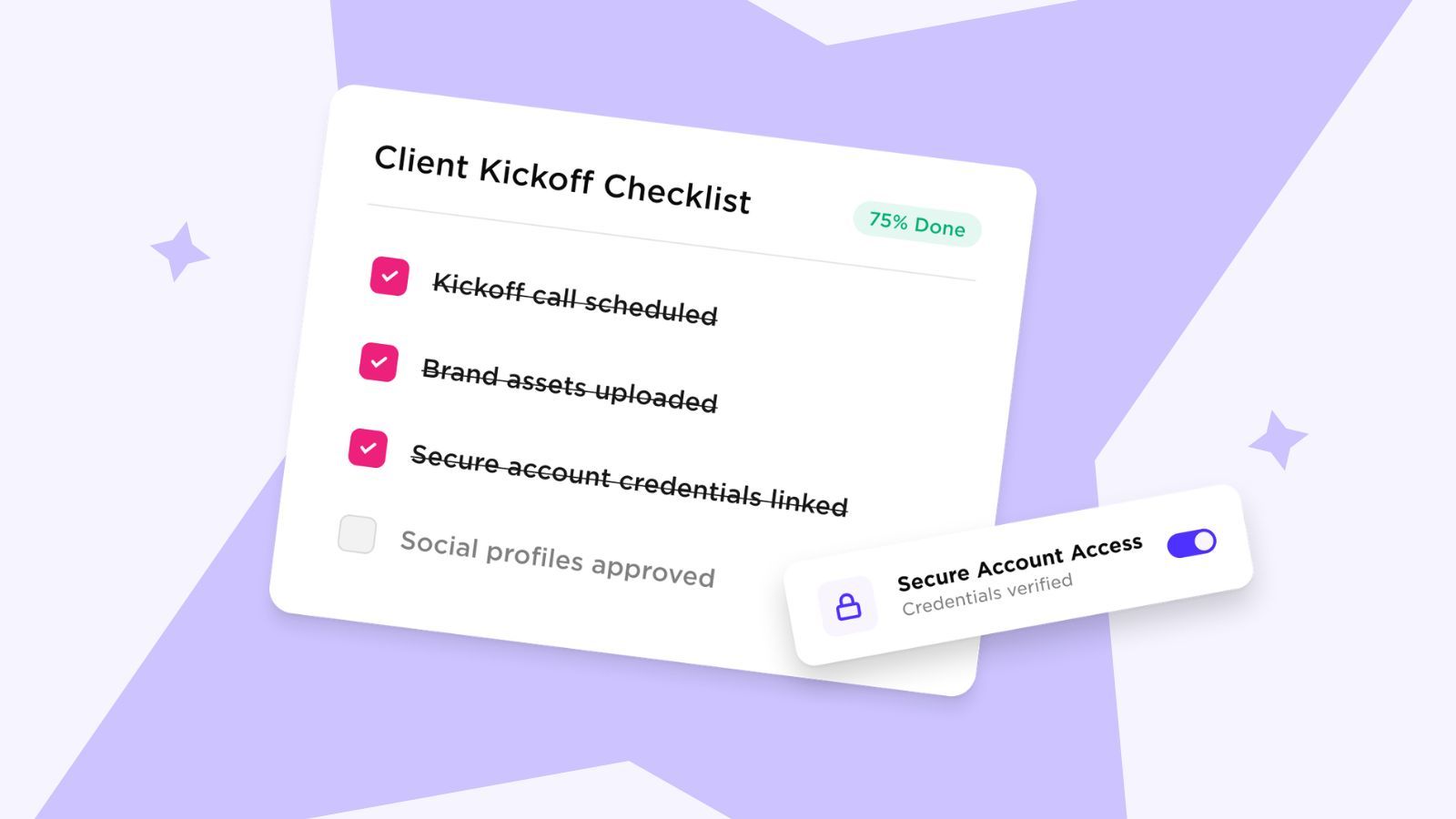
- Request and confirm account access. Role-based access through each platform's business manager. Never passwords, which the next section covers in full.
- Run a social audit and competitor research. Benchmark where the accounts stand today so you can prove progress later.
- Agree goals and KPIs. Turn vague hopes into numbers you will report against.
- Document the strategy. A one-page plan the client signs off before content starts.
- Build the first content calendar. Plan the first month so content is deliberate, not reactive.
- Set the approval process. Decide who approves, how, and by when, before the first post is due.
- Set the reporting cadence and 30-day check-ins. Agree what a report shows and when it lands.
How long does this take? For most agencies, one to two weeks from signed contract to the first scheduled post. The two variables that move that timeline are how fast the client grants access and how fast they hand over assets, so chase both on day one.
Two Sked Social features make the back half of this list faster. Set up an isolated client workspace with Account Groups, which scope the calendar, inbox, and insights to that one client so staff never post to the wrong brand. Then build the first month in the visual content calendar with drag-and-drop scheduling, so the plan is visible and the gaps are obvious before they become missed posts. A downloadable onboarding checklist built from these 12 steps is worth keeping on hand so nothing slips.
What should you put in a social media client onboarding questionnaire?
The onboarding questionnaire is the single most useful artifact in the whole process, because the answers become the operating brief the entire account runs on. Ask the right questions once and you stop guessing for the rest of the engagement. Group your questions into eight areas: business and goals, target audience, brand voice and tone, visual and brand assets, competitors, content dos and don'ts, approval and turnaround expectations, and reporting expectations.
Business and goals
- What does success look like in 90 days, and in a year?
- What is the one business outcome social needs to support, for example leads, bookings, or sales?
- Are there campaigns, launches, or seasonal peaks we need to plan around?
Target audience
- Who are you trying to reach, in your own words?
- What does your ideal customer care about, and what do they scroll past?
Brand voice and tone
- Give three words that describe how the brand should sound.
- Share two posts you loved and two you hated, and tell us why.
Visual and brand assets
- Where do logos, fonts, colors, and approved photography live?
- Do you have brand guidelines or a brand kit we should follow?
Competitors
- Name three competitors you watch, and what you admire or dislike about their social.
Content dos and don'ts
- Any words, claims, topics, or promotions we must avoid?
- Any legal or compliance rules we need to know?
Approval and turnaround expectations
- Who approves content, and who is the backup approver?
- What turnaround can we expect on approvals?
Reporting expectations
- What metrics matter most to you?
- How often do you want to see a report, and in what format?
Once you have the answers, put them to work rather than filing them. Capture the client's voice, description, tone, and standard hashtags in the Brand Kit, which stores brand identity centrally and feeds Sked Social's AI features, so every AI-assisted caption starts on-brand instead of generic. When you spot answer patterns you will reuse, turn them into templates that carry brand voice guidance and hashtag sets. A downloadable questionnaire template saves you rebuilding this from scratch for every client.
How do you get access to a client's social accounts without sharing passwords?
This is where new agencies create risk they never need to take on. The rule is simple. Request role-based access, never passwords. When a client hands over a login, you inherit their security exposure, you break their two-factor authentication, and you have nothing clean to revoke at offboarding. Role-based access through each platform's own business tools gives you the exact permissions you need while the client keeps ownership.
Here is what to request, platform by platform.
- Instagram and Facebook: Partner or admin access to the Page and Instagram account, via Meta Business Suite / Business Manager.
- LinkedIn: Page admin or content admin role, via Company Page admin tools.
- TikTok: Business account access or admin role, via TikTok Business.
- Pinterest: Business account access, via Pinterest Business Hub.
- YouTube: Manager or editor role, via Google / Brand Account permissions.
- Google Business Profile: Manager access, via Google Business Profile.
Cover the security hygiene while you are at it. Keep two-factor authentication switched on, held by the client. For any credential you genuinely cannot avoid sharing, use a password manager rather than a spreadsheet or an email thread, and record it once. Then, at offboarding, revoke every access grant cleanly, which is only possible because you requested roles instead of passwords in the first place.
Once access is granted, bring every profile into one place. Sked Social connects Instagram, Facebook, LinkedIn, TikTok, Pinterest, YouTube, Google Business Profile, and X in a single dashboard, so you are not logging in and out of native apps all day. For shared Instagram accounts, Sked Social supports app-based two-factor authentication, which Instagram supports as a more secure option than SMS. Then control who can do what inside your team with user permissions and Account Groups, so a junior can draft but only a manager can publish (advanced permissions, on Accelerate and Custom), and every newly connected profile sits inside the right client group. That last point matters most for agencies running many accounts, where posting to the wrong brand is the mistake that loses clients.
How do you set up a client approval process that doesn't stall?
Every onboarding guide tells you to set up approvals. Almost none of them tell you how to stop approvals becoming the thing that quietly kills the account. This is the part worth getting obsessive about, because approval friction is the most common reason content ships late or off-brand.
You know the failure mode. A post goes out by email for sign-off. The client replies to the wrong version. A revision arrives at 5pm the day before it is due. Nobody can find who approved what, so when something goes wrong there is no trail. Multiply that across 10 or 20 clients and your week disappears into chasing yeses. If you are scaling toward that point, it is worth studying how to build an agency approval process that survives 15-plus clients before the volume arrives.
The principle that fixes it: your client should not need a login just to say yes. The moment approval requires an account, a password reset, and a training call, you have added friction the client will route around by replying to email instead. Remove the login and approvals speed up on their own.
Sked Social handles this with an external branded approval portal. Clients review content through a branded link, with no Sked Social account and no seat required. They see post previews and a live calendar, and they can approve, reject, or request changes in one place, with every action captured in a full audit trail. Inside the agency, the Approvals Board gives your team a Kanban view where posts sit as cards grouped by status, and you drag a card to change where it stands. You can rename statuses to match how you actually work, for example adding a "Legal review" step, and you can set automatic email reminders so a reviewer who has gone quiet gets a nudge until their review is done.
A note on accuracy, because it matters at renewal. Approvals are included on the Accelerate and Custom plans, not on Grow. Grow includes three users. Accelerate includes six, and you can add more at US$15 a month each. In every case, your external clients approve through the no-login portal without taking up a seat. Decide the approver, the backup approver, and the turnaround during onboarding, then let the portal carry the load.
How do you lock in brand voice, assets, and a reporting cadence from day one?
The last mile of onboarding is where agencies either build trust or plant the seeds of churn. Two things need to be locked before the first post ships: brand alignment, so content looks and sounds right, and reporting, so the client can see progress without asking.
Start with brand and assets. Centralize logos, colors, fonts, and approved media so the whole team pulls from one source instead of hunting through email attachments. Document the brand voice in one place too, so content stays consistent whether it is written by your senior strategist or a new hire in month three. In Sked Social, the Brand Kit holds the brand's voice, description, and content categories, and those settings feed the AI caption tools, so on-brand is the default rather than something you fix in edits. Consistency is not a nice-to-have for a multi-brand agency. It is the difference between looking like a partner and looking like a vendor.
Now set the reporting cadence, and set it during onboarding, not after the first miss. Agree three things upfront: what a monthly report shows, how often it lands, and how the client sees progress in between. Pull those answers straight from the questionnaire, because you already asked which metrics matter and how often the client wants to hear from you. If you are still deciding what to standardize on, our comparison of the best social media reporting tools walks through what separates a report a client actually reads from a wall of vanity metrics.
Two Sked Social features remove the weekly status deck entirely. First, a read-only client calendar link lets stakeholders see what is coming without logging in, which kills the "what are you posting next week?" email. Second, custom reports let you build a branded, multi-account report with your logo and the client's colors, export it to PDF or Excel, and share it easily. You can even schedule a recurring report to generate and send on the first of every month automatically. Both are available on the Accelerate and Custom plans. Setting this up in week one means the client never has to ask how things are going, because the answer is always available.
Expert tips and best practices for 2026
A few habits separate agencies that onboard calmly from agencies that firefight every new client.
- Front-load the two dependencies. Account access and brand assets are the only steps that depend entirely on the client. Request both on day one, in writing, with a clear how-to. Everything else is within your control, so protect the timeline by unblocking the parts that are not.
- Standardize the workspace, not just the checklist. A checklist reminds you what to do. A standardized client workspace makes doing it fast. Create the Account Group, connect the profiles, set permissions, and drop in the first calendar in the same order every time.
- Set turnaround expectations both ways. Clients want to know when they will see content. You want to know when they will approve it. Agree both service levels during onboarding, then hold the line politely when they slip.
- Capture the brand brief once, reuse it forever. The questionnaire answers, the Brand Kit, and a set of templates mean a new team member can produce on-brand work without a two-hour handover.
- Automate the nudge, not the relationship. Reminders for stalled approvals and scheduled reports handle the repetitive chasing, which frees you to spend your human time on strategy and the actual client relationship.
- Book the 30-day check-in during onboarding. Put it in the calendar now. The activation window is short, and a review at day 30 catches a quiet client before quiet becomes churn.
The through-line: build the process once, then let the tools carry the repetition so onboarding scales without eating your week.
What are the top social media onboarding challenges, and how do you solve them?
Even a solid process runs into the same handful of snags. Here is how to handle them.
Challenge: the client goes silent on access or assets. This is the most common cause of a blown timeline. Solve it by making the ask concrete and small. Send one message with a numbered list of exactly what you need, a link to each platform's business tools, and a two-line reason why role-based access is safer for them. Follow up on a set schedule rather than waiting and hoping.
Challenge: approvals pile up and content ships late. The root cause is almost always friction, not a difficult client. Remove the login requirement so the client can approve from a branded link on their phone, and turn on automatic reminders so you are not the one chasing. Agree a turnaround expectation during onboarding so a late approval is a known exception, not a surprise. If approvals are your recurring bottleneck, it is worth comparing the best social media approval tools for agencies against how you work today.
Challenge: content comes back off-brand. This usually means the brand brief lived in one person's head. Fix it by centralizing brand voice, assets, and hashtags in a Brand Kit that everyone and every AI tool pulls from, so the first draft is closer to right.
Challenge: onboarding does not scale past a few clients. If every new client is a bespoke effort, growth hits a wall. The answer is an isolated, repeatable workspace per client, so the tenth onboarding runs like the first. Account Groups keep each client's calendar, inbox, and reporting cleanly separated while you work from one dashboard.
Challenge: the client cannot see progress, so they assume there is none. Silence between reports breeds doubt. A read-only calendar link and a scheduled monthly report mean the client always has a live window into the work, which turns reporting from a chore into proof.
Social media client onboarding questions and expert answers
How do you onboard a new social media client?
Onboard a new social media client in a fixed sequence: sign the scope of work and take the deposit, send a welcome packet, send an onboarding questionnaire, run a kickoff call, collect brand assets, request role-based account access, run a social audit and competitor research, agree goals and KPIs, document the strategy, build the first content calendar, set the approval process, and set the reporting cadence. Running the same steps every time is what turns onboarding into a repeatable process instead of a scramble.
What questions should you ask a new social media client?
Ask questions across eight areas: business and goals, target audience, brand voice and tone, visual and brand assets, competitors, content dos and don'ts, approval and turnaround expectations, and reporting expectations. The answers become the operating brief the whole account runs on, so capture them once in a structured questionnaire rather than piecing them together from scattered emails.
How long does social media client onboarding take?
Most agencies get from signed contract to the first scheduled post in one to two weeks. The two things that decide the timeline are how fast the client grants account access and how fast they hand over brand assets. Chase both on day one, because everything else waits on them.
How do you get access to a client's social media accounts without sharing passwords?
Request role-based access through each platform's business tools rather than login credentials. Add your agency as a partner or admin in Meta Business Suite for Instagram and Facebook, as a page admin on LinkedIn, and through the equivalent business account on TikTok, Pinterest, YouTube, and Google Business Profile. The client keeps ownership and two-factor authentication, and you get the exact permissions you need. Revoke access cleanly at offboarding.
What should be in a social media client welcome packet?
A welcome packet should confirm what happens next and who does what. Include a short welcome note, your main point of contact, the onboarding timeline, the questionnaire, a list of the account access you will request and how, the approval and turnaround expectations, and the reporting cadence. It sets the tone for the whole relationship, so keep it clear and human rather than a wall of terms.
Transform your social media client onboarding with Sked Social
Onboarding is the client's first experience of how you work, and it decides whether they relax or brace for missed posts and chased approvals. The agencies that win keep it repeatable: one place to run the whole process, an isolated workspace per client, an approval step that does not stall, and reporting the client can see without asking.
That is the work Sked Social is built for. It is the social media workspace for growing teams, from first idea to final report, in one place. Set up each client with Account Groups so calendars, inboxes, and insights stay cleanly separated. Plan the first month in the visual content calendar. Keep every AI-assisted caption on-brand with the Brand Kit. Let clients approve through a no-login branded portal without taking a seat. Then send a branded PDF report on a schedule (Accelerate and Custom). Real human support backs all of it, with a 94% CSAT rating.
Ready to transform how you onboard and manage clients? Start your free trial today, no credit card required.