On this page
- Key takeaways
- What is Instagram engagement?
- Why is your Instagram engagement dropping?
- 1. Prioritize Reels and short-form video for reach
- 2. Use interactive Stories to start conversations
- 3. Post consistently at the best times for your audience
- 4. Use carousel posts and user-generated content (UGC)
- 5. Collaborate with creators and build community
- 6. Optimize captions, hashtags, and Instagram SEO
- 7. Analyze, test, and refine with data
- 8. Advanced tactics: AI, testing, and trendspotting
- Doing this for a brand or for clients
- How Sked Social helps you see what's working
- Expert tips and best practices for 2026
- Top challenges and how to handle them
If you are accountable for engagement on a brand account, or across a set of client accounts, the tactics below only stick once you can see which ones moved the numbers. This guide covers eight that work for brand accounts in 2026, how to measure them, and what to do when engagement drops.
Key takeaways
- Reels and short-form video still earn the most reach. Interactive Stories keep the followers you already have talking.
- Consistency and timing matter. Post when your audience is actually online, and test it rather than trusting a generic time.
- Carousels, user-generated content, and a few relevant hashtags help people find and save your posts.
- When engagement drops, find out where and when before you change anything.
- If you run several accounts, set a baseline per account and report engagement rate by reach, so accounts of different sizes compare fairly.
Instagram rewards posts that start conversations, get saved, and get sent to friends. Likes still count, but they are only part of it. For a brand, engagement is the signal that your content earns attention, and it is the number your manager or client will ask about first.
What is Instagram engagement?
Instagram engagement is the set of interactions your content gets: likes, comments, shares and sends, saves, replies to Stories, and taps on Story stickers. It tells Instagram, and you, how people react to what you post.
How to calculate your engagement rate
There are two common formulas. Pick one and use it every time, so this month compares with last month.
- By followers: engagement rate % = (total engagements ÷ follower count) × 100
- By reach: engagement rate % = (total engagements ÷ accounts reached) × 100
Engagements are the sum of likes, comments, shares, and saves for the post or period. Use the reach formula when you compare accounts of different sizes, or when a lot of your reach comes from non-followers. A follower-based rate falls whenever your follower count grows faster than your interactions.
Why is your Instagram engagement dropping?
A sudden drop usually has one of four causes. Check them in this order.
- More recommended content in the feed. Instagram shows people more posts from accounts they don't follow. Your posts compete with those for the same space, so the same content can reach fewer followers than it used to.
- A format shift. Instagram's recommendations lean on Reels and video. If your mix moved toward static posts, or a Reels series ended, reach and engagement usually follow.
- Inactive or spam followers. A follower list full of inactive or fake accounts lowers a follower-based engagement rate, even when real people engage as much as before.
- Something changed on your side. You posted less often, changed your posting time, wrapped a campaign, or handed the account to someone new. Check the calendar before you blame the algorithm.
What to do when your engagement drops
- Pin down where and when. Which account, which format, and from which week. A drop on Reels only is a different problem from a drop on every post.
- Audit your followers. Remove obvious spam accounts. Don't panic about every inactive follower; just stop judging success on a follower-based rate alone.
- Audit your hashtags. Keep to a few relevant, specific hashtags. Drop generic ones, and avoid hashtags that Instagram restricts.
- Audit your content. Sort the last 90 days of posts by engagement rate. Look for the formats, topics, and hooks that held up, and the ones that fell.
- Change one thing at a time. Shift the format mix or the posting time, then give it two to four weeks before you judge it.
1. Prioritize Reels and short-form video for reach
Instagram Reels remain the top format for reaching new people. Reels can now run up to three minutes, but short Reels with a strong first few seconds still hold attention best. To get more from them:
- Open with the hook. Say what the viewer gets in the first line on screen.
- Keep most Reels between 15 and 30 seconds, and save longer cuts for tutorials and behind-the-scenes stories.
- Add captions and on-screen text, since many people watch with the sound off.
- Repurpose your best-performing Stories, Lives, and carousels into Reels.
- Test risky ideas as Trial Reels. On eligible professional accounts, a trial Reel goes to non-followers first, and you decide afterwards whether to share it with your followers.
For more on making Reels that hold attention, see our Instagram Reels guide.
2. Use interactive Stories to start conversations
Polls, quizzes, question boxes, and sliders ask your audience to do something. That one tap is engagement, and it keeps your brand in front of followers between feed posts.
How to use them on a brand account:
- Run "this or that" polls on products, flavors, or colors to learn what your audience prefers.
- Use quizzes to teach something about your product or category.
- Host a Q&A and answer real customer questions on camera or in text.
- Share behind-the-scenes content, then ask for feedback with a slider or question box.
Stories don't need the polish of a feed post, so they are a cheap way to post often. Read more on Instagram Stories marketing, and on creating and scheduling Stories from a laptop when your team works from desktop.
3. Post consistently at the best times for your audience
Consistency keeps you in your followers' feeds. Timing decides who is around to see each post.
Step by step:
- Look at when your followers are online in Instagram's own insights or in your analytics tool.
- Pick two or three windows to test, and post in each for a few weeks.
- Compare engagement rate by window, not just total likes.
- Build a content calendar around the winning windows and keep to it.
There is no universal best time. It depends on your audience, your industry, and your time zones, which is why testing beats any generic chart. For cadence, see how many times a day to post on Instagram and how to build a social media posting schedule. To plan around content themes, see our guide to content planning and reporting with Sked Social labels.
4. Use carousel posts and user-generated content (UGC)
Carousels keep people swiping, and saves often follow. UGC adds proof from real customers, which builds trust.
How to use them:
- Share step-by-step guides, before-and-after results, or product comparisons as carousels.
- Feature customer photos and reviews as UGC. Ask for permission first and credit the creator.
- Run "vote for your favorite" posts using carousel images.
For more formats that get people to respond, see our Instagram interaction post ideas.
5. Collaborate with creators and build community
Creator partnerships put your brand in front of an audience that already trusts someone else. Smaller creators and your own staff often feel more authentic than a big campaign.
Actionable steps:
- Partner with micro-creators for takeovers or co-created content, and publish it as a Collab post so it appears on both profiles.
- Encourage employees to share behind-the-scenes moments.
- Reply to comments and DMs quickly. Saved Instagram DM templates help your team answer common questions faster without sounding like a bot.
Explore more community-building strategies in the Sked Social Knowledge Hub.
Keep the engagement real
Engagement only helps when real people are behind it. Instagram's Community Guidelines ask you not to artificially collect likes, follows, or shares, and a fake spike makes your reporting meaningless.
- Don't buy followers, likes, or comments. They inflate the totals you report and drag down your engagement rate.
- Skip engagement pods and comment-for-comment groups. Those interactions don't come from your audience.
- Answer criticism in the open. A calm, helpful reply to a negative comment shows every other follower how you treat customers.
6. Optimize captions, hashtags, and Instagram SEO
Instagram search reads the keywords in your name, bio, captions, and alt text. Good captions get people to respond. Good keywords help new people find you.
Best practices:
- Start captions with a hook or a question.
- Use emojis where they fit your brand voice, not by default.
- End with a clear call to action, such as "Comment your favorite."
- Use a few relevant hashtags. Instagram has started limiting how many hashtags posts and Reels can carry, so choose specific tags over generic ones.
- Add keywords to your profile name, bio, captions, and alt text.
Go deeper with our guides to Instagram SEO and hashtag strategy for Instagram.
7. Analyze, test, and refine with data
Data tells you which tactics to keep. Review it on a fixed schedule, weekly or monthly, so you spot changes early.
How to do it:
- Track engagement rate, reach, saves, shares and sends, and comments for every post.
- Watch the signals Instagram has said matter. In January 2025, Adam Mosseri named watch time, likes, and sends as key ranking signals, with sends weighing more for reaching non-followers. Track average watch time, likes per reach, and sends per reach.
- Test one variable at a time: the hook, the call to action, or the format.
- Look at what competitors post to spot gaps in your own content.
- Adjust your plan based on what the numbers show, then measure again.
For Reels specifically, see our guide to Instagram Reels insights. For where AI fits in, read the latest advances in AI for social media marketing.
8. Advanced tactics: AI, testing, and trendspotting
AI tools help with the busywork. They don't replace your judgment or your brand voice.
What to try:
- Use AI to draft caption variations and hashtag shortlists, then edit them in your brand voice.
- Use your analytics to find your best posting windows, then test them.
- Watch trends in your category and adapt quickly, but only the ones that fit your brand. See our roundup of Instagram trends and campaigns.
Doing this for a brand or for clients
The tactics are the same whether you run one brand account or 20 client accounts. The difference is proof. A manager or client wants to see what changed and why.
Set a baseline before you promise growth
Record each account's engagement rate, reach, and posting cadence for the last 90 days before you change anything. Without a baseline, you can't show that a new Reels plan or posting time worked.
Compare accounts fairly
Use engagement rate by reach when you compare accounts of different sizes. A small local account and a national brand account will never match on totals, and they shouldn't have to.
Report a short list of metrics
Pick four or five metrics per account, such as engagement rate, reach, saves, sends, and comments. Explain what moved and what you will do next. A clear story beats a long table.
Agree on community management
Agree on who replies to comments and DMs, how fast, and when to escalate. Response time is part of engagement, and on a client account it is part of the service.
Multi-location brands
For franchises and multi-location businesses, local accounts often out-engage the head-office account. Staff, local events, and customers people recognize are hard to beat. Give local teams a shared calendar and a few on-brand templates, then let them add local detail.
How Sked Social helps you see what's working
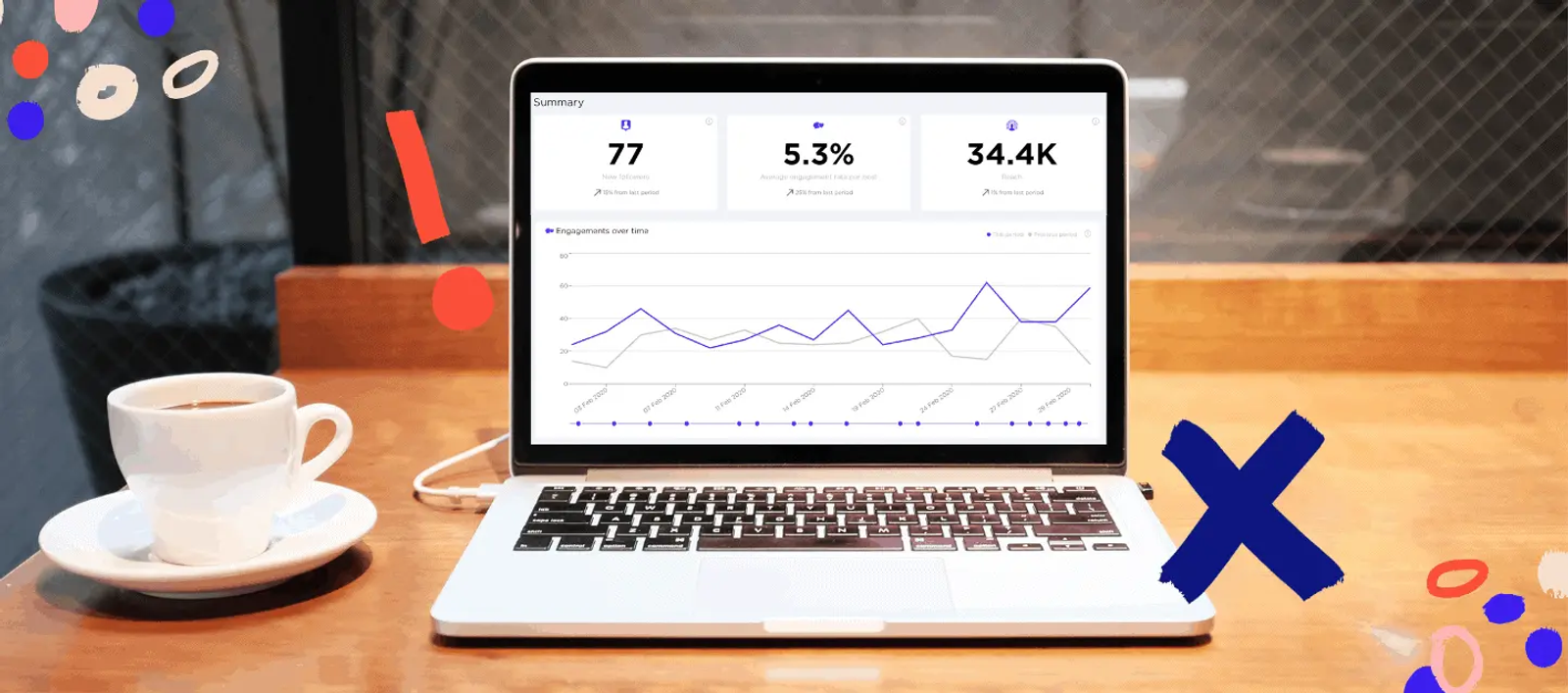
Sked Social's analytics put every connected account in one dashboard. The brand summary shows followers, engagement rate, reach, and impressions across accounts, ranks your posts by performance, and tracks trends over time. Spot a dip on one client account before the client does.
Best Time to Post highlights sit right on the content calendar. They use your Instagram and TikTok audience activity to mark the best day in month view, the best day and time in week view, and the best time in day view. If a brand group holds more than one Instagram account, the highlight is hidden so different audiences don't get mixed together.
From there, schedule Reels, Stories, and carousels with Sked Social's Instagram scheduler and keep your queue lined up with those windows. See how scheduling and analytics work together.
Start your free trial. 14 days, every feature, no card needed.
Expert tips and best practices for 2026
- Focus on quality over quantity. One strong Reel beats five average posts.
- Use interactive Stories features (polls, quizzes, Q&As) every week.
- Build a content calendar and keep to it.
- Encourage UGC and feature your community regularly.
- Test, analyze, and refine. What worked last year may not work now.
For more, read our guide to social media engagement.
Cross-promote your Instagram content
Your other channels already reach people who like your brand. Give them a reason to find you on Instagram.
- Tease a new Reel or carousel in your email newsletter and link straight to the post.
- Share a cut-down version on TikTok, Facebook, or LinkedIn, rewritten for each platform rather than copied word for word.
- Put your Instagram handle on your website, in email signatures, and on in-store signage. For multi-location brands, point each location to its local account.
Top challenges and how to handle them
Challenge: Declining engagement rates
What to do: Find where and when the drop started, then work through the checks in "What to do when your engagement drops" above. Change one thing at a time.
Challenge: Keeping up with algorithm changes
What to do: Stay flexible, test new formats such as Trial Reels early, and judge them on your own data.
Challenge: Managing content across several accounts
What to do: Batch content, keep one shared calendar, and agree on review steps up front so posts don't stall waiting for sign-off.
Instagram engagement FAQs for 2026
What is the best time to post on Instagram for engagement in 2026?
It depends on when your followers are online. Check your audience activity in Instagram's insights or your analytics tool, test two or three windows, and keep the one with the best engagement rate.
Why is my Instagram engagement so low all of a sudden?
The usual causes are more recommended content competing for your followers' feeds, a shift away from Reels in your content mix, inactive or spam followers, or a change on your side such as posting less often. Find which account, format, and week the drop started before you change anything.
How do Instagram Reels affect engagement?
Reels are Instagram's main format for reaching people who don't follow you yet, so they usually earn more reach and interaction than static posts.
How can I encourage more comments and DMs?
Ask direct questions in captions, use interactive Stories, and reply quickly to every comment and message.
How many hashtags should I use on Instagram in 2026?
Fewer than you might think. Instagram has started limiting how many hashtags posts and Reels can carry, so pick a few specific, relevant tags over generic ones.