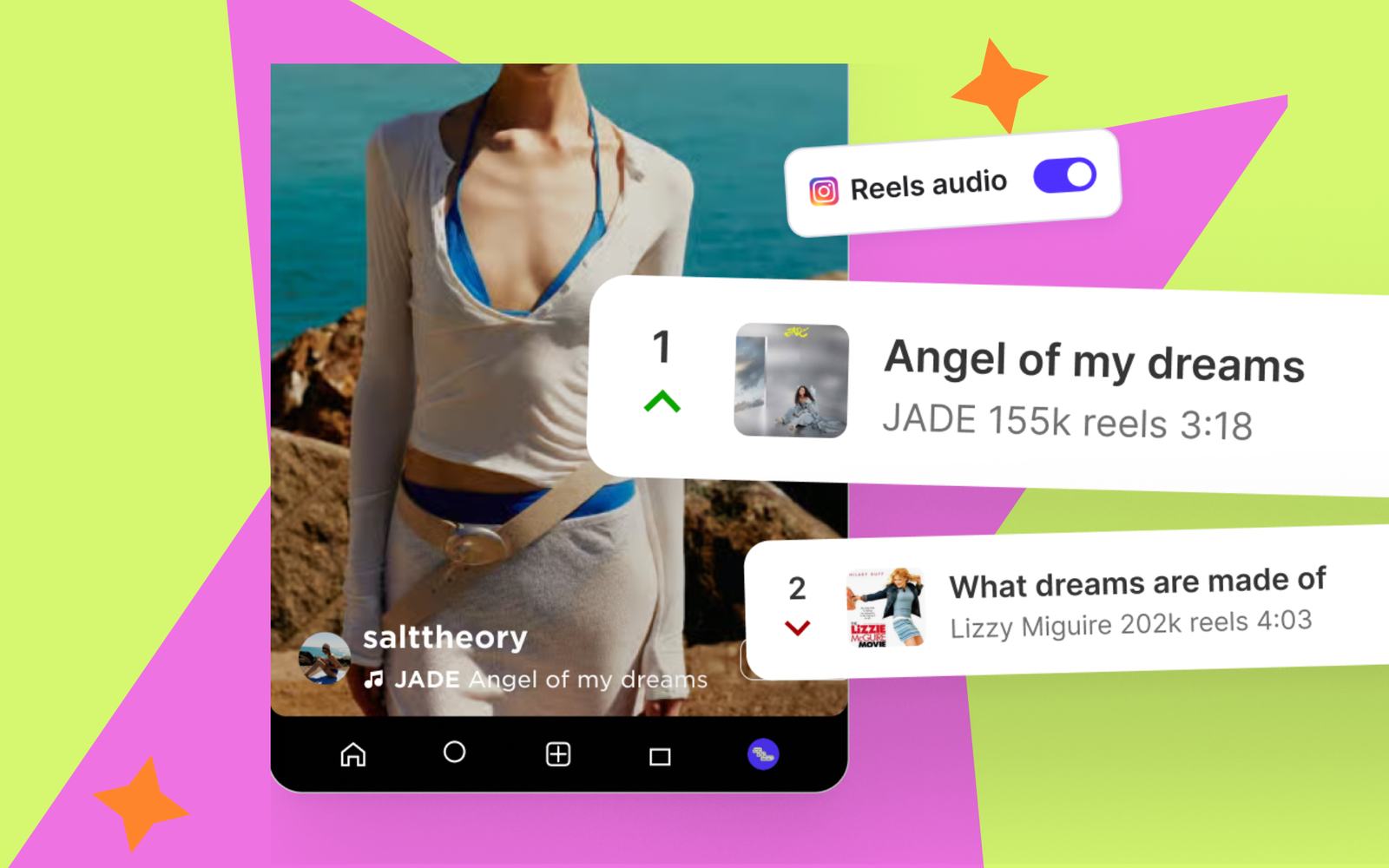
New: Add audio to your Reels when you schedule them in Sked Social
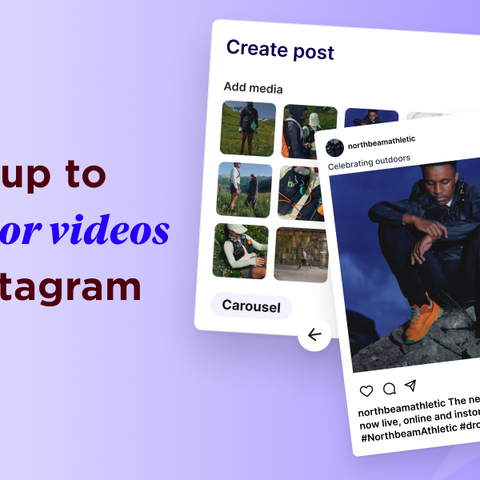
You can now choose audio for your Reels while you schedule them in Sked Social, starting with what's trending. No more adding the sound in the Instagram app after a Reel goes live.
Social media strategy, platform changes, and the workflows behind the teams that publish at scale.
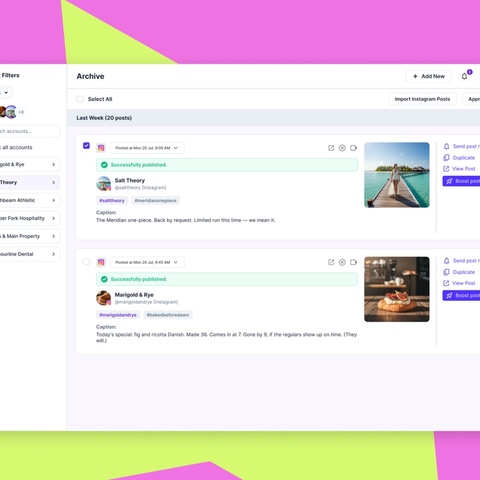
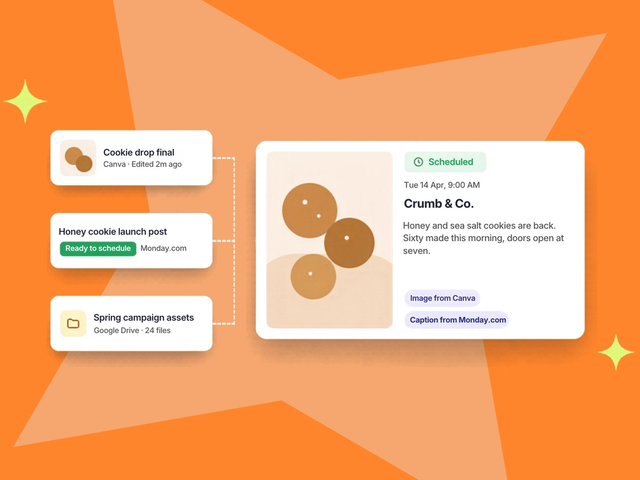
Connect Google Drive, Asana, Notion, and more to Sked Social from Settings. Your media syncs into the Library and your plans arrive as Ideas, so you can stop copying them across by hand.
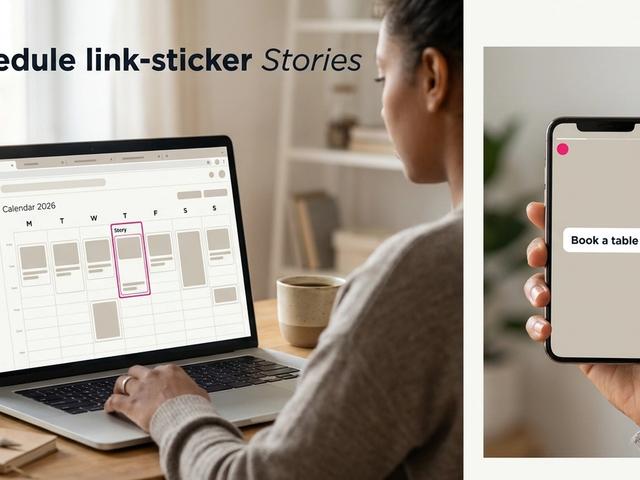
You can schedule Instagram Stories with link stickers. In Sked Social, plain image and video Stories auto-publish, and the link-sticker frame goes out as a notification post: a reminder at post time, then you add the sticker in the Instagram app.
You can now schedule a Reel from Sked Social as a Trial Reel. Instagram shows it to non-followers first, so you can see how it does before your followers see it.
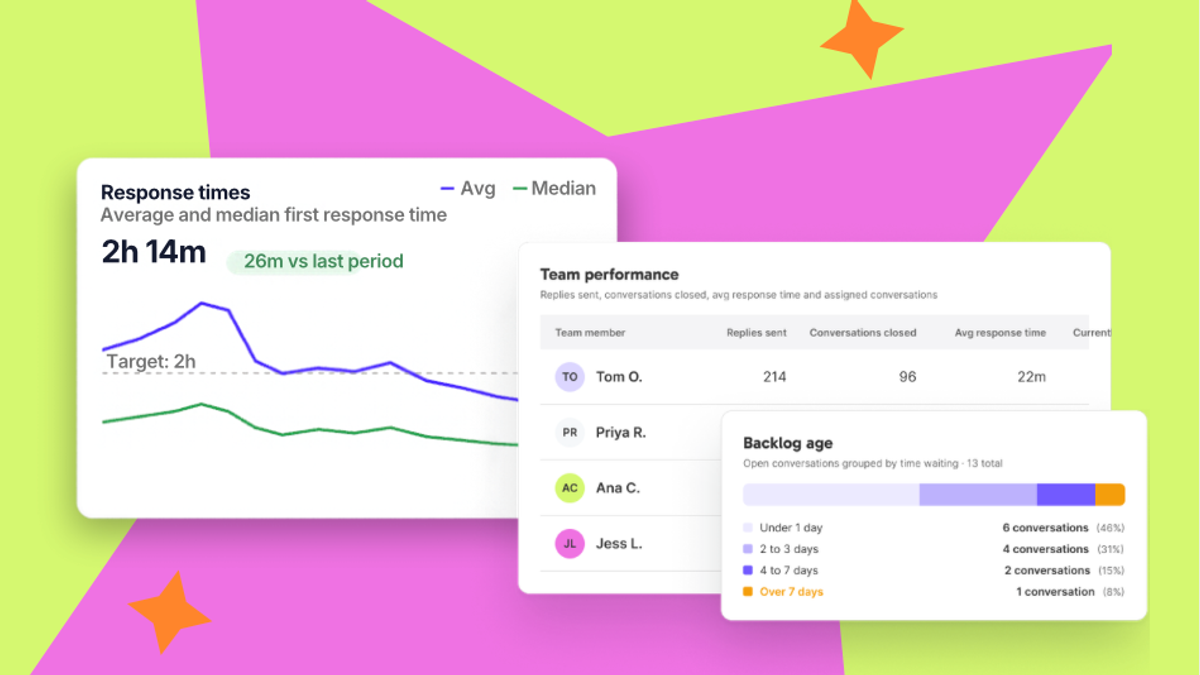
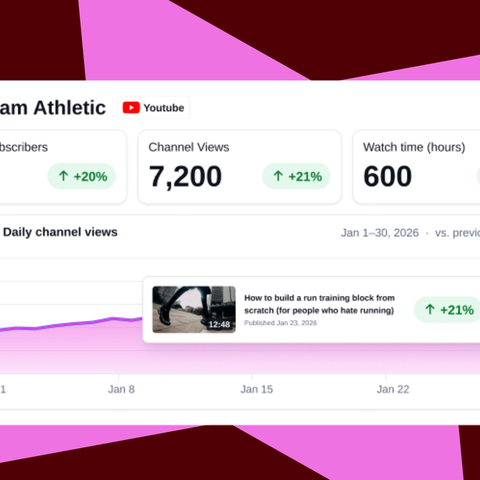
When a client or manager asks how fast your team replies, you can now open one page and point. Inbox Metrics shows your response times, who did the work, and what’s still waiting, updated daily on Custom plans.
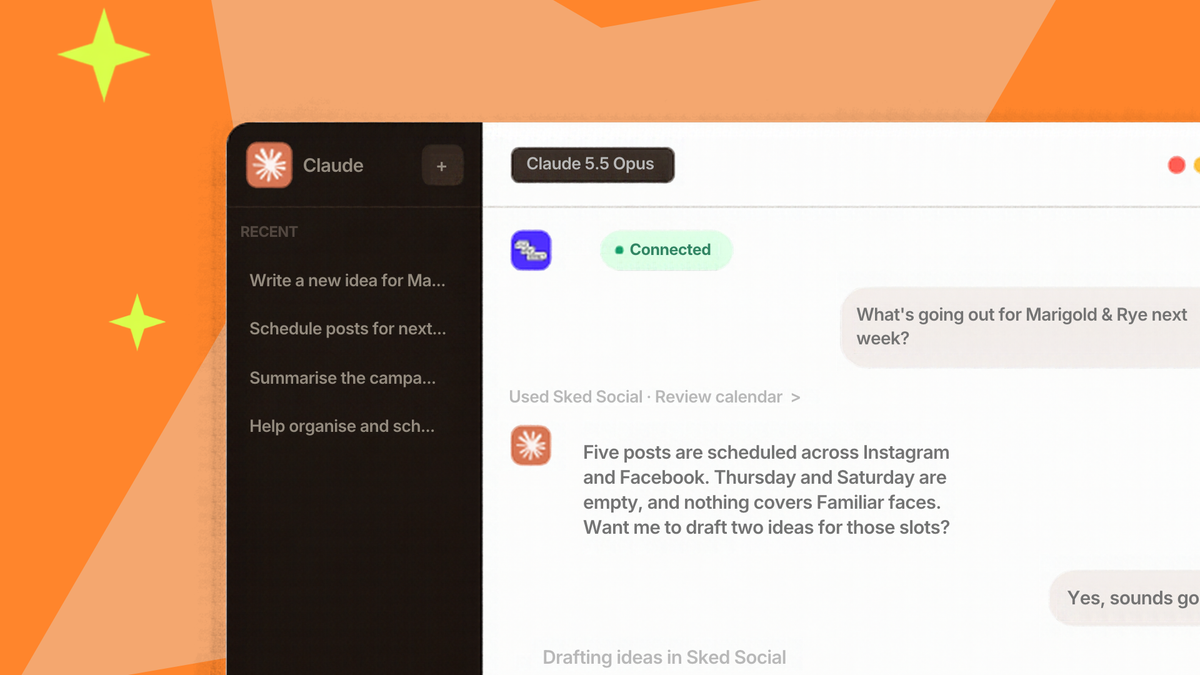
You can now connect Claude to your Sked Social account. Ask it to pull last month's performance, check a caption against your Brand Kit, save drafts, and schedule posts once they're approved.
Your design is in Canva, the caption is in Monday.com, and the photos are in Drive. Here’s how to stop carrying content between them by hand, without asking anyone to change where they work.
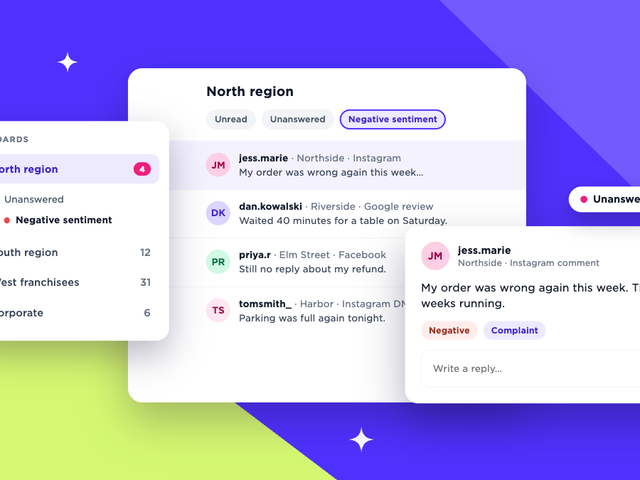
One complaint, buried in 400 comments across 60 profiles. Here’s how multi-location brands set up their inbox so the urgent 2% gets seen on day one.
Schedule, publish, listen and report in one place, with login-free approvals for every stakeholder and client. Try Sked Social free for 14 days, no credit card required.